

















The Complete Guide to 9U Wall Mount Network Racks: Finding the Sweet Spot for SMBs

In the IT world, floor space is highly valuable. You might be outfitting a busy retail branch in New Cairo. Or, you could be setting up a startup hub in Maadi. Either way, organizing your network equipment without losing room is a top priority.
For many IT professionals, the 9U wall mount cabinet is the gold standard. It offers the perfect balance. It is large enough to hold critical hardware, yet compact enough to stay out of the way.
Planning an upgrade or a new setup? This guide breaks down everything you need to know about the 9U form factor. We will cover technical specs and help you choose the right model for your environment.
What Exactly is a 9U Wall Mount Rack?
A “U” (Rack Unit) is the standard measurement for server and network equipment. It represents 1.75 inches (44.45 mm) of vertical space.
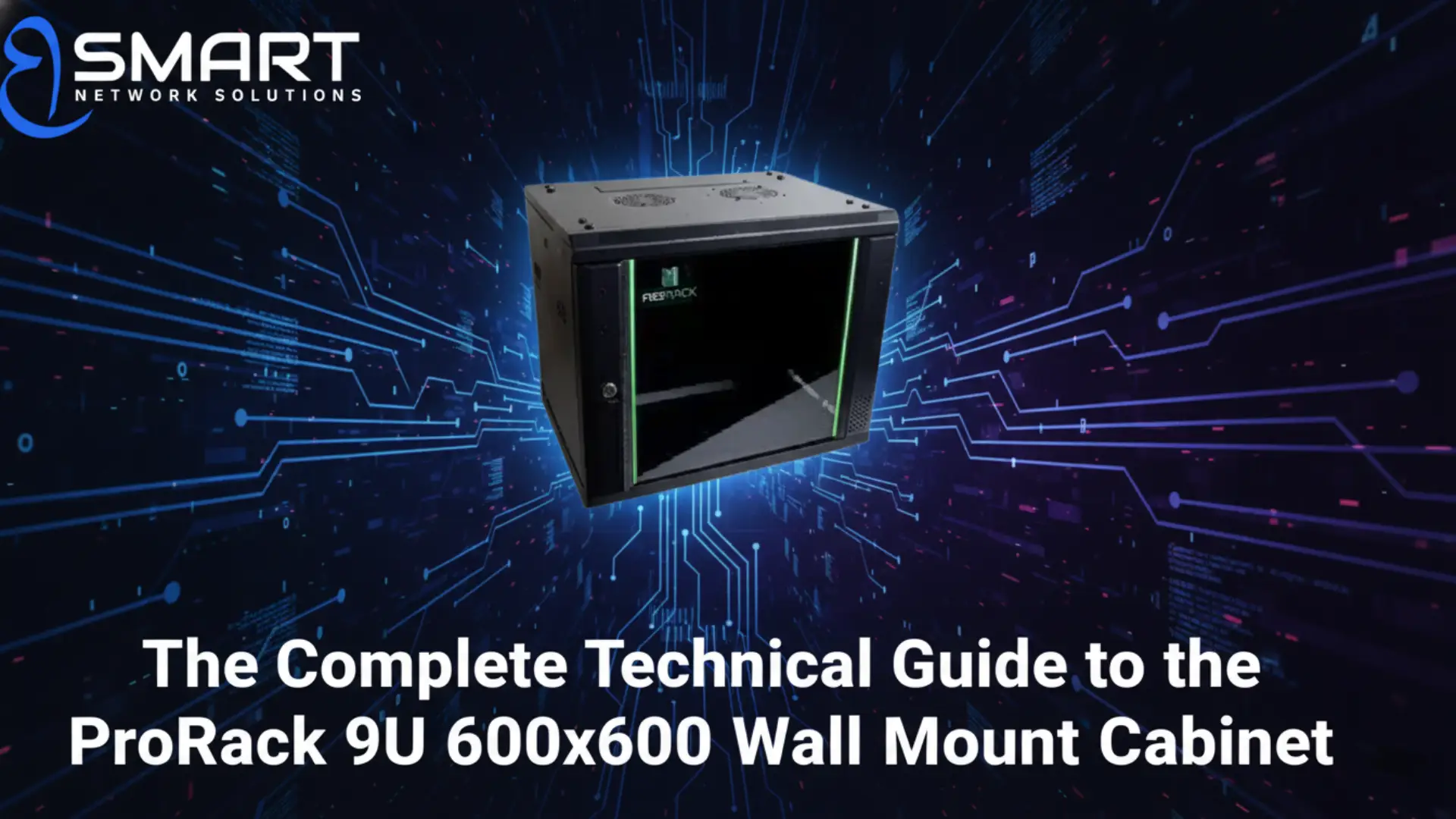
A 9U wall mount rack provides approximately 15.75 inches of internal mounting height. This capacity is widely considered the “sweet spot” for small-to-medium business (SMB) setups. Inside a typical 9U cabinet, you can comfortably house:
- A 24-port or 48-port patch panel (1U or 2U)
- A professional cable manager (1U)
- A Power Distribution Unit / PDU (1U)
- One or two high-performance PoE+ switches (1U or 2U)
- A heavy-duty rack-mounted UPS system (2U or 3U)
This setup offers an efficient, organized, and secure hub for your network components. Best of all, you achieve this without needing a dedicated server room.
Sizing Matters: Understanding Cabinet Depths
When selecting a 9U cabinet, height is only one part of the equation. Depth is equally critical for technical compatibility.
Shallower 450mm deep racks are fantastic for basic networking. However, they sometimes struggle to accommodate deeper, modern hardware. A 600x600mm footprint ensures roughly 540mm of usable internal depth. This extra space is vital for:
- Housing deep-chassis Network Video Recorders (NVRs) for security systems.
- Allowing a safe “bend radius” for thick Cat6 or fiber optic cables. This prevents data loss and physical damage.
- Leaving adequate space for rear-mounted power strips and power bricks.
Engineering for the Egyptian Climate
Network hardware faces two specific environmental challenges locally. These are high ambient dust levels and thermal spikes, particularly during the hot summer months. A high-quality 9U enclosure addresses these challenges head-on through smart engineering:
- Ventilation Spaced Panels: Integrated side vents are designed to promote natural, passive airflow.
- Active Fan Integration: Pre-punched slots in the top cover allow for the installation of 120mm cooling fans. These actively exhaust hot air.
- Static Load Rating: High-quality cold-rolled steel construction can support heavy loads up to 60kg. This is absolutely essential if you plan to mount heavy lead-acid UPS batteries safely on a wall.
“Many IT managers overlook the correlation between rack airflow and component lifespan. In our climate, a rack isn’t just a box; it’s a thermal management tool.
Investing in a cabinet with high-gauge steel and proper ventilation prevents ‘thermal throttling’ of your switches. This saves thousands in premature hardware replacements.”— Senior Infrastructure Consultant, BSMART Networks.
Why 9U Cabinets are Perfect for CCTV and Security
Security integrators frequently specify 9U cabinets as the best option for surveillance installations. A 9U space easily fits 16-channel or 32-channel NVRs. At the same time, it leaves plenty of room for a dedicated monitor shelf or a small NAS (Network Attached Storage) drive for redundant backups.
Key features to look for in a security rack:
- Visual Security: Lockable tempered glass front doors allow for quick visual monitoring. You can check switch lights and NVR status without compromising physical access.
- Organized Cable Entry: Multiple knock-out points on the top and bottom plates allow for clean, organized conduit trunking.
- Durability: A powder-coated finish resists rust and corrosion. This is especially important in humid coastal environments like Alexandria.
How to Install a Wall Mount Network Rack
Deployment in commercial buildings often involves mounting to brick or solid concrete walls. Follow these best-practice technical steps for a secure installation:
- Weight Distribution: Always use heavy-duty 10mm expansion bolts (Fisher bolts) rather than standard plastic wall plugs. Remember, you are supporting the weight of the steel cabinet plus all the hardware inside.
- Perfect Leveling: Use a spirit level on the rear mounting plate before drilling your holes. Even a minor 2-degree tilt can put severe stress on the front door hinge mechanism over time. This can cause it to warp or fail.
- Proper Grounding: Always utilize the cabinet’s built-in earthing (grounding) screw. This protects your sensitive routing equipment against static discharge.
Choose the Right ProRack 9U Cabinet for Your Project
Navigating the hardware market requires an understanding of your specific spatial and environmental needs. Sourcing locally through authorized channels like BSMART Networks is the best choice. It helps you avoid gray market risks, eliminate high international shipping costs, and guarantee local warranty support.
We offer three distinct, high-quality ProRack 9U solutions tailored to different deployments. Explore the options below to review full technical specifications and secure your infrastructure:
- For Standard SMBs & NVRs (600×600): Need that extra depth for proper cable bend radiuses and deeper PoE switches? Check pricing and buy the ProRack 9U 600×600 Wall Mount Cabinet (PRW6609).
- For Tight Office Spaces (600×450): Perfect for basic patch panels, small routers, and lightweight setups where wall space is extremely limited. View specs and order the ProRack 9U 600×450 Wall Mount Cabinet (PRW6409).
- For Harsh & Outdoor Environments: Deploying hardware outside, in factories, or in highly dusty industrial zones? Discover the rugged, weather-resistant ProRack 9U Outdoor Wall Mount Rack.
FAQs About 9U Network Cabinets
How much weight can a 9U wall mount rack hold?
High-quality 9U cabinets use cold-rolled steel. They can support a static load of up to 60kg. This makes them safe for standard networking gear and UPS units. However, you must anchor them correctly to a solid wall.
What is the difference between a 600×450 and 600×600 rack?
The first number is the width (600mm). This is the standard for 19-inch equipment. The second number is the depth.
A 600x450mm rack is shallow and saves space. Meanwhile, a 600x600mm rack gives you more depth. You need this extra space for larger hardware (like NVRs) and thick cables.
Do 9U racks come with cooling fans?
Most professional 9U cabinets feature ventilated side panels for passive cooling. They also include pre-punched top slots. This allows you to easily install active 120mm exhaust fans if your gear gets too hot.
Can I install a 9U rack on drywall (Gypsum)?
No, you should never mount a loaded 9U rack directly to drywall. You must anchor it securely into wooden studs, concrete, or brick walls. Always use heavy-duty expansion bolts for a safe setup.

Eng. Eslam El Fiky
Co-Founder & Managing Director
Enterprise IT systems specialist and telecom infrastructure strategist. Eng. Eslam oversees BSMART Networks' enterprise hardware distribution, server rack infrastructure, and vendor alliances with global brands like Huawei across Egypt and the MENA region.


