















Huawei eKit Buying Guide: How to Scope a Project, Build a BOM and Request a Quote

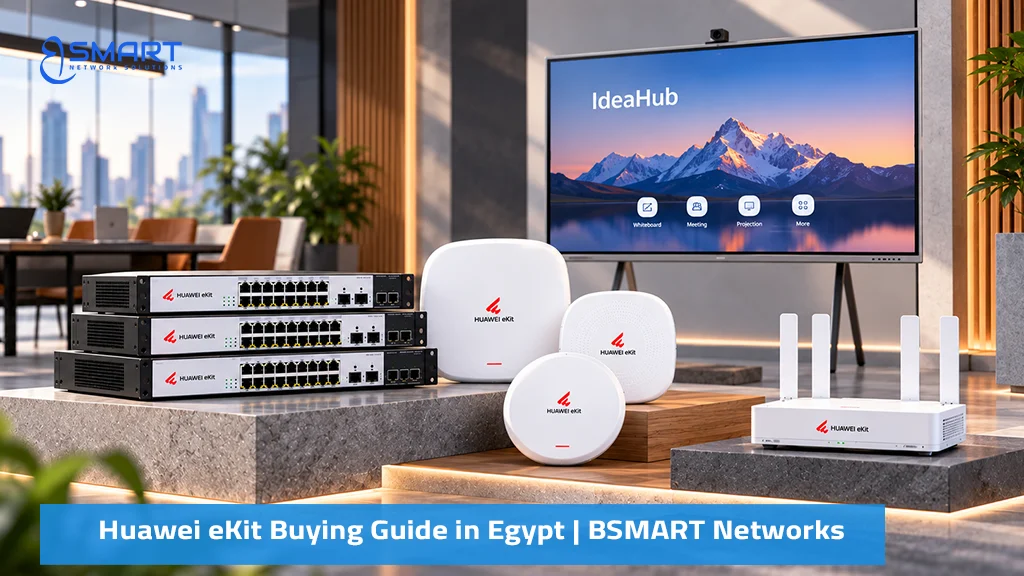
This Huawei eKit buying guide in Egypt helps IT managers and system integrators choose the right networking equipment for offices, clinics, schools, and hotels. Learn how to verify device compatibility, plan network requirements, and prepare an accurate bill of materials (BOM) before requesting a quotation from BSMART Networks. Browse available models in the Huawei eKit product catalogue.
Quick answer: A complete Huawei eKit network includes four hardware layers: an S380 gateway or AR router for WAN connectivity, firewall functions, and wireless control; PoE switches for wired connectivity and power delivery; eKitEngine Wi-Fi 6 or Wi-Fi 7 access points; and passive infrastructure, including Prolink Cat6A cabling, fiber-optic links, and ProRack cabinets.
How Egyptian IT Teams and Integrators Source Huawei eKit Projects
Most projects follow the same path. An IT manager or system integrator receives a floor plan or a client brief, drafts a rough equipment list, and sends it to a distributor for pricing. Drafts usually arrive as a single model number copied from a website, a list of quantities without port or power details, or a tender document with a loose “or equivalent” clause.
The problem is not the intent but the missing detail. A quotation can only be as accurate as the requirements behind it. When the request omits PoE load, uplink speed or cabling scope, the distributor must guess, and a guess shows up later as a re-quote, a mismatched order or a second delivery.
eKit is Huawei’s SME and distribution brand, designed to be easy to buy, install and maintain, with app-based onboarding. That helps on site, but it does not remove the need to plan the purchase.
The Four Layers of a Complete Huawei eKit Network
Think of the purchase as a stack. Each layer depends on the one above it, so scope them in order.
- WAN gateway or router. The S380 multi-service gateway combines routing, stateful firewall, switching and a built-in wireless access controller. Larger sites use AR720 or AR730 routers.
- Switching. S110 (unmanaged), S220 and S220S (smart managed), S310 (managed, multi-gigabit and higher PoE budgets) and S530 (aggregation) carry wired traffic and power.
- Wireless. eKitEngine Wi-Fi 6 and Wi-Fi 7 access points, from wall-plate and ceiling models to outdoor units, managed by the S380, a Leader AP or an AC650 controller.
- Passive infrastructure. Prolink Cat6A copper and fiber, patch panels and ProRack cabinets. This layer is the one most often forgotten, and it decides whether the active hardware performs as specified.
Huawei eKit Compatibility Matrix: Gateways, Switches and Access Points
Use this matrix to check which devices pair together before you finalise a bill of materials. It reflects published eKit specifications; always confirm exact model data on the datasheet or with BSMART presales before ordering.
| Layer | Model family | Pairs with | Verify before ordering |
|---|---|---|---|
| Gateway | S380-L4T1T (1 WAN, 4 LAN) | Any PoE switch; up to 32 APs | No PoE on this model, so you need a PoE switch for APs and cameras |
| Gateway | S380-S8P2T (2 WAN, 8 LAN PoE+) | S220S or S310 for more ports; up to 64 APs | Built-in PoE is 124 W total, so check the sum of devices plugged into it |
| Gateway | S380-H8T3ST (adds SFP WAN/LAN) | Fiber ISP handoff; S310 or S530 uplinks | Which SFP module type your ISP or building fiber needs |
| Router | AR720 / AR730 | S310 or S530 core; AC650 for large AP counts | Client count (700 to 1,200 class) and WAN port types |
| Controller | AC650-128AP / 256AP / 512AP | Ceiling, wall-plate and outdoor APs | Total AP count plus growth, not today’s count only |
| Switch | S110 (unmanaged) | Gateway or router uplink; basic APs and cameras | No management or VLANs; unsuitable if you need segmentation |
| Switch | S220S-24P4J | S380 gateway; AP361, AP362E, AP371 | PoE budget versus total device draw; uplink port type |
| Switch | S310-24P4X | S380, AR routers, S530 aggregation via 10GE | 10GE SFP+ transceivers are ordered separately; PoE budget |
| Access point | AP361 (Wi-Fi 6, AX1800) | Any PoE+ port; S380 or AC650 control | Mounting type and user density |
| Access point | AP371 (Wi-Fi 7, 2.5GE uplink) | PoE+ switch with a 2.5GE-capable port for full speed | Whether the connected port is 1GE or 2.5GE |
| Passive | Cat6A S/FTP, fiber, ProRack | All of the above | Run length, rack units and patching count |
Two rules cover most compatibility questions. First, wireless control is the limiting factor for AP count: the gateway’s built-in controller handles a small fleet, and an AC650 takes over above that. Second, uplinks must match on both ends, in speed and in physical type. A 10GE SFP+ port on a switch does nothing without a transceiver and a matching port on the other side.
The 7-Point Huawei eKit Project Requirements Checklist
This is the checklist BSMART presales engineers work from. Fill in all seven points and a quotation can be produced without a clarification round.
Users and devices
State the number of staff, expected concurrent Wi-Fi users and device types: laptops, phones, printers, IP phones, cameras and point-of-sale terminals. Add a growth allowance.
Wired ports
Count every wired drop and group them by floor or room. Choose switch port density (8, 16, 24 or 48) per cabinet, then add spare ports so you are not buying a second switch after the first expansion.
PoE watts
List every powered device and its maximum draw from the datasheet, not its typical draw. Total them per switch and add 20 to 30 percent margin. Standards matter here: 802.3af supplies up to 15.4 W per port, 802.3at (PoE+) up to 30 W, and 802.3bt up to 60 or 90 W. Compare the total against the switch’s overall PoE budget, which is separate from the per-port limit. Our PoE power budget guide covers the arithmetic in detail.
Uplinks
Specify the speed between switches and toward the gateway: 1G, 2.5G or 10G. State whether the link is copper or fiber and the distance. Aggregation of many access switches or Wi-Fi 7 access points usually justifies 10G fiber uplinks.
Environment
Give floor area, ceiling height, wall material (concrete and brick behave very differently from drywall) and whether any area is outdoors, dusty or hot. This decides indoor versus outdoor access points, and standard versus industrial switches.
Passive cabling
Say whether cabling is new or existing, the category (Cat6A is the sensible choice for multi-gigabit and high-power PoE), the longest run in metres, and whether you need patch panels, patch cords, keystone jacks or fiber.
Racks and power
Provide the number of rack units needed, wall or floor cabinet preference, ventilation and power points. Fiber also needs a patching tray.
To compare how your answers translate into models, see the switch selection guide and the Wi-Fi 6 vs Wi-Fi 7 access point guide.
Worked Example: Building a Bill of Materials for a 25-User Office
The table below is an illustrative starting point for a single-floor office with desktops, a few IP phones, a printer and ceiling Wi-Fi. It is not a fixed package; a site survey and your PoE total decide the final quantities.
| Item | Typical model | Qty | Purpose |
|---|---|---|---|
| Gateway | S380-S8P2T | 1 | Dual WAN, firewall, wireless control |
| Access switch | S220S-24P4J | 1 | 24-port PoE+ for desktops, phones, printer, APs |
| Access points | AP361 or AP371 | 2 to 3 | Ceiling coverage; Wi-Fi 7 where devices and uplinks support it |
| Cabling | Prolink Cat6A, patch cords, keystones | Per survey | Horizontal runs and patching |
| Rack | ProRack wall cabinet | 1 | Housing, shelf, patch panel |
Growing beyond one floor or one switch? Move to a design with an aggregation layer and a controller, described in the office and multi-branch network design guide. For a heavier PoE workload, such as many cameras and Wi-Fi 7 access points, an S310-24P4X-class switch gives you a managed Layer 3 platform and 10GE uplinks to grow into.
Common Ordering Mistakes That Delay Projects
These errors appear in real requests more often than any other:
- Forgetting SFP and SFP+ transceivers. A switch with fiber ports does not include the optical modules. Order matched pairs for each link.
- Under-sizing PoE. Counting ports instead of watts leaves cameras or access points without power once the budget is exhausted.
- Powering everything from the gateway. A gateway’s integrated PoE is intended for a few devices. Plan the main PoE load on the switch.
- Mismatched uplink speed. Buying 2.5GE access points but connecting them to 1GE ports wastes the upgrade.
- Ignoring controller limits. Count access points for the future, because the built-in controller has a ceiling.
- Treating cabling as an afterthought. Low-grade cable caps speed and PoE reliability.
- Skipping support entitlements. Decide at order time whether you want maintenance cards that extend service beyond the standard warranty.
How to Plan a Huawei eKit Purchase for a Multi-Branch Business
Multi-branch buying rewards standardisation. Define two or three branch templates, for example small, medium and head office, and give each its own bill of materials. A small branch might use one S380, one switch and a few access points; a head office adds an AR router, an AC650 controller and aggregation switches.
Then decide how the sites will be managed. eKit supports app-based onboarding and cloud management, which lets one team supervise many locations without travelling. Confirm which models support the management mode you want, using the cloud management and app setup guide. Finally, ask for all branches to be quoted together so models, quantities and spares stay consistent and delivery can be phased.
How to Specify Genuine Huawei eKit Hardware in an Egyptian Tender
Corporate and government tenders often define equipment by function. That invites substitution and gray-market stock without local support, so write the specification to be verifiable.
- Name the exact model numbers and quantities, not only a category.
- Require supply through an authorised channel and ask the bidder to state it in writing.
- Ask that serial numbers are provided at delivery so devices and any maintenance cards can be registered with Huawei.
- Define the required warranty and support terms and the quotation validity period explicitly.
- State delivery location, lead time expectations and installation or commissioning scope separately.
BSMART Networks, an authorized Huawei eKit distributor, supports this stage with presales engineering. We review the bill of materials against your requirements, flag compatibility and power gaps, and provide a quotation in Egyptian pounds (EGP) that you can attach to a tender response. Send us the draft specification early; correcting it before submission is cheaper than after award.
Huawei eKit Prices in Egypt: What Determines Project Costs?
Searches for a Huawei eKit price list in Egypt are understandable, but a static list misleads on projects. Final cost depends on quantities, the mix of models, transceivers, cabling scope, delivery and exchange-rate conditions on the day of the quote. BSMART therefore issues project quotations instead of one sheet of prices.
You can still estimate early: build the bill of materials from this guide, request a quote for the full scope, and compare the validity period on the quotation with the one you need.
Next step: collect your answers to the seven checklist points and send them to BSMART presales through the quotation request on the eKit page, or by WhatsApp. You will receive a reviewed bill of materials and an EGP quotation.
Huawei eKit Buying Guide FAQ
What information should I provide when requesting a Huawei eKit quotation in Egypt?
Provide four core project details: (1) total wired ports and PoE devices such as IP cameras, VoIP phones, and access points, (2) floor area, wall construction material, and concurrent Wi-Fi users, (3) uplink speed requirements (1G, 2.5G, or 10G optical fiber), and (4) passive structured cabling or server rack specifications. BSMART Networks presales engineers use these parameters to produce an accurate bill of materials and formal EGP quotation.
Which Huawei eKit product categories are needed for a complete small business network?
A complete small business network typically combines three active layers: an S380 multi-service gateway (or AR router) for WAN routing, firewall security, and wireless access control; S110, S220, S220S, or S310 switches for wired data and PoE+ power distribution; and eKitEngine Wi-Fi 6 or Wi-Fi 7 access points for wireless coverage. Prolink structured copper cabling and a ProRack equipment cabinet complete the physical infrastructure.
How do I build a Huawei eKit bill of materials for a new office?
Build a Huawei eKit bill of materials by mapping endpoints into layers: count staff workstations and wired drops, total the PoE wattage of every connected device and add a 25% safety margin, select uplink speeds between switches and gateways, choose indoor ceiling access points based on room area and concurrency, then specify required optical transceivers, Prolink Cat6A cabling, patch panels, and racks. Validate the complete list against the compatibility matrix before requesting pricing.
What should a network equipment RFQ include?
A professional network equipment RFQ must specify: site floor plans showing structural wall compositions, concurrent user counts, total PoE power budgets, uplink bandwidth requirements, environmental operating conditions (desktop, server room, or industrial DIN-rail), project completion deadlines, exact model numbers, quantities, delivery location, and billing requirements including Egyptian electronic tax invoicing compliance.
How should I plan a Huawei eKit purchase for a multi-branch business?
Standardize BOM templates for small, medium, and large branches. Centralize management with compatible AR routers and AC650 controllers, using S380 gateways at remote sites where appropriate. Since management options, licensing, and fees vary by model, verify the applicable terms before purchase. Request a consolidated quote to standardize hardware, firmware, and spare parts across all branches.
Planning a Huawei eKit Network Project?
Get expert assistance selecting compatible Huawei eKit switches, gateways, and access points for your business. BSMART Networks can help you prepare your bill of materials (BOM) and request a project quotation in Egypt. Contact BSMART Networks to Request Your Huawei eKit Quote Today.
Related Products
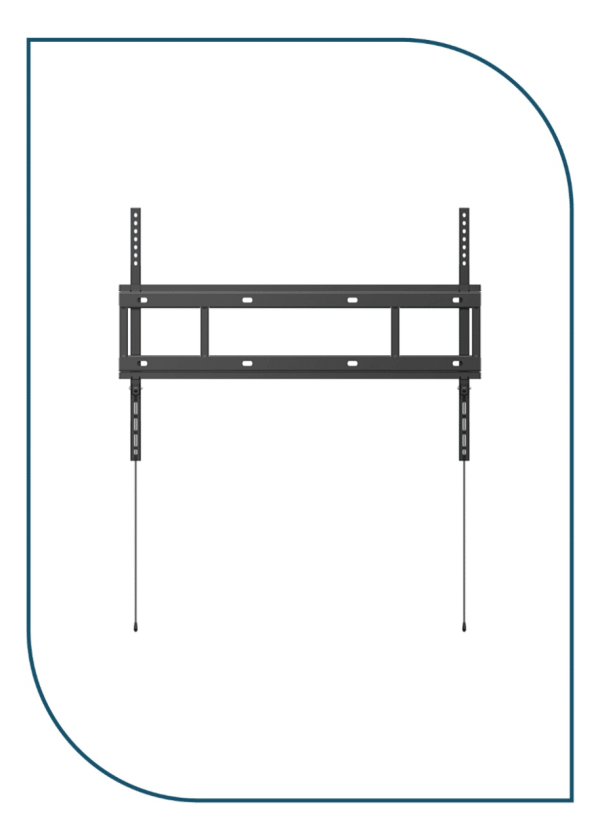
Huawei IdeaHub Heavy-Duty Wall Mount Bracket for 65/75/86 Displays (Wall Mount Bracket)
In stock
0,00 EGP
SKU:
Wall Mount Bracket
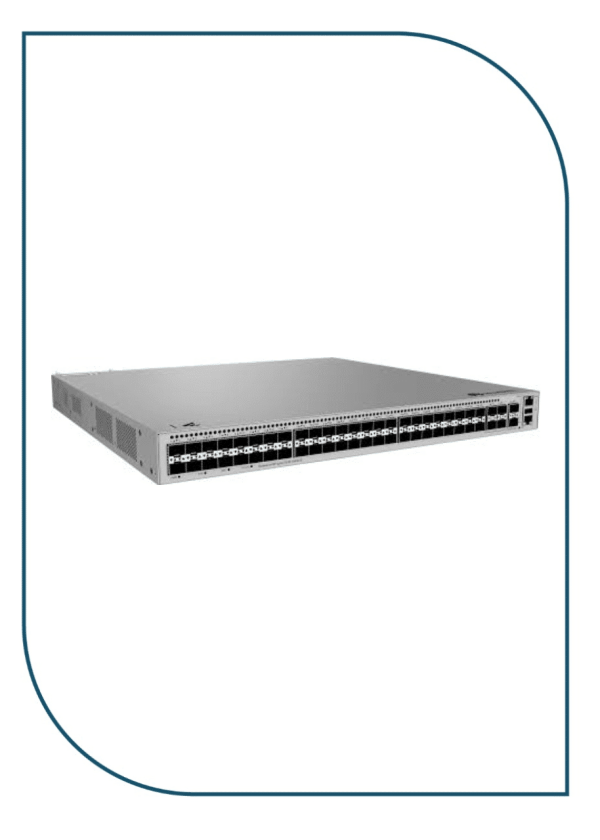
Huawei eKitEngine S530-48S4XE 48-Port GE SFP Aggregation Switch with 4x 10GE SFP+ (S530-48S4XE)
In stock
46.990,00 EGP
SKU:
S530-48S4XE
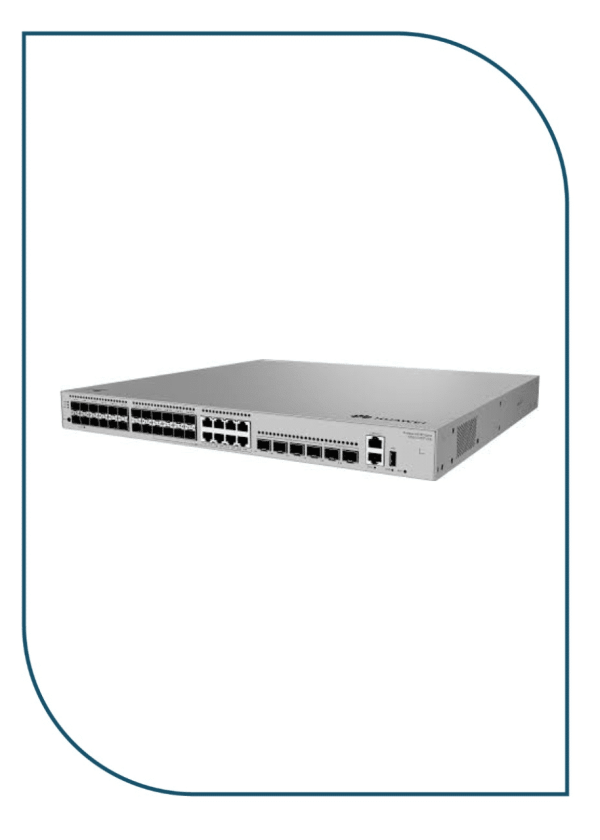
Huawei eKitEngine S530-24ST4XE 24-Port GE SFP Aggregation Switch with 4x 10GE SFP+ (S530-24ST4XE)
In stock
42.950,00 EGP
SKU:
S530-24ST4XE
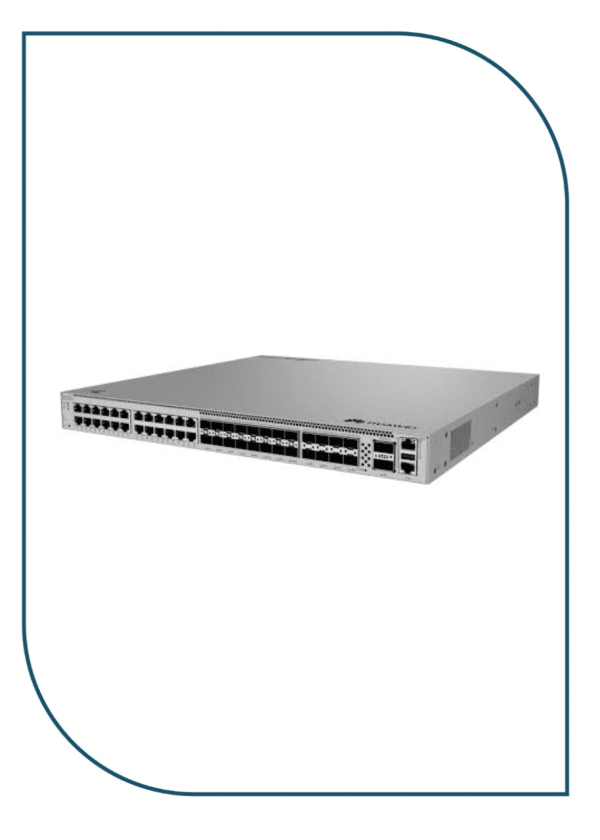
Huawei eKitEngine S620-24T16X8Y2CZ Enterprise Core Switch with 2x 100GE & 8x 25GE (S620-24T16X8Y2CZ)
Available on backorder
90.999,00 EGP
SKU:
S620-24T16X8Y2CZ
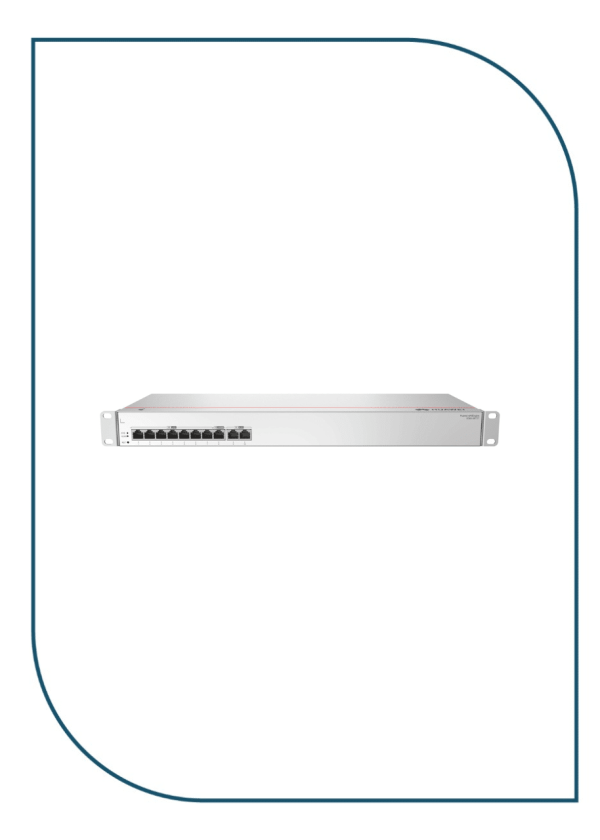
Huawei eKIT S380-S8T2T Multi-Service Gateway with Dual GE WAN Ports (S380-S8T2T)
In stock
10.990,00 EGP
SKU:
S380-S8T2T

Eng. Eslam El Fiky
Co-Founder & Managing Director
Enterprise IT systems specialist and telecom infrastructure strategist. Eng. Eslam oversees BSMART Networks' enterprise hardware distribution, server rack infrastructure, and vendor alliances with global brands like Huawei across Egypt and the MENA region.


