
















How to Choose a Huawei eKit Switch: Ports, PoE, Uplinks and Management

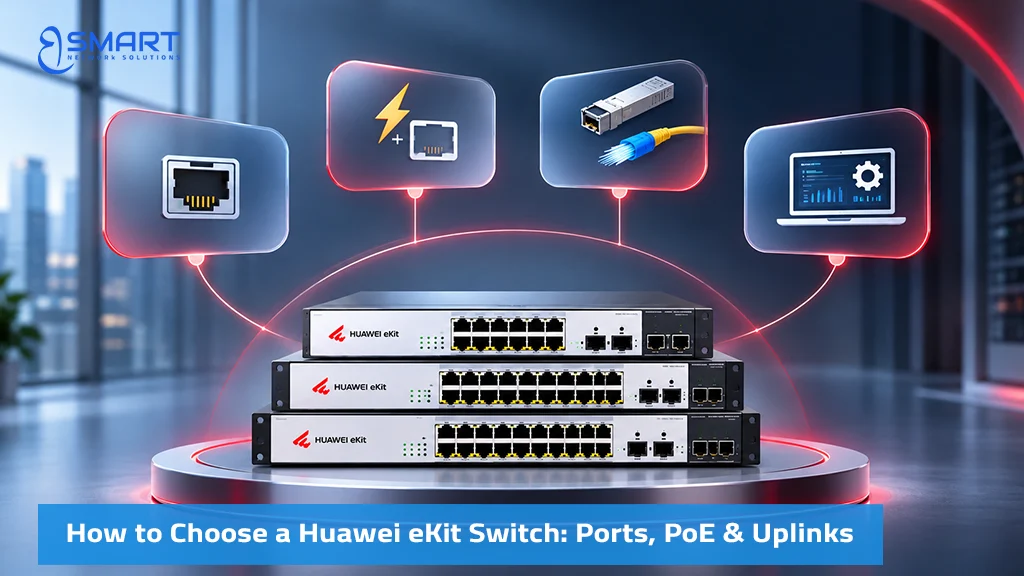
The right network switch matches your device count, power consumption, and business growth. It is rarely just the switch with the most ports. This guide gives IT directors, network engineers, and system integrators a practical, step-by-step method for selecting among Huawei eKit switches, which form the wired backbone of the commercial Huawei eKit in Egypt portfolio supplied by BSMART Networks. Use this 5-step decision framework, compare families across our 7-series table, and calculate your site capacity with the formulas below.
Quick answer: Choose an eKit switch by five criteria in order: management mode (unmanaged or smart managed), access port count with a 20% spare capacity margin, total PoE+ watt budget, uplink speed (1GE, 2.5GE, or 10GE), and whether your network requires Layer 3 routing. Answering these five steps narrows seven hardware families to the exact model for your site.
The 5-Step Switch Decision Tree
Work through these five evaluation steps in sequence. Each step eliminates incompatible product lines, leaving only the models that satisfy your technical and budgetary requirements.
Step 1: Choose Between Unmanaged and Managed Switches
Determine whether your deployment requires 802.1Q VLAN segmentation, remote troubleshooting, or cloud monitoring. If your setup consists of a simple unsegmented environment without guest networks or IP telephony, an unmanaged switch is adequate. However, if your network must separate corporate data, CCTV surveillance, VoIP traffic, and guest Wi-Fi, you require a managed switch. Most commercial offices with wireless access points and cameras require smart managed hardware.
Step 2: Calculate the port count
Count every physical endpoint drop, add a 20% expansion buffer, and round up to standard port densities (8, 16, 24, or 48 ports). Keep access ports for workstations separate from your inter-switch uplink ports, as detailed in our port calculation section below.
Step 3: Size the PoE budget in watts
Add the maximum rated wattage of every powered device from its official datasheet, then multiply by a 1.25 safety factor. Compare this total power requirement against the switch’s aggregate PoE power budget, while verifying that per-port watt limits (802.3af, 802.3at, or 802.3bt) satisfy high-draw devices.
Step 4: Choose the Right Switch Uplink Speed
Select an uplink bandwidth that prevents traffic congestion when all downlinks operate concurrently: 1GE SFP uplinks serve basic low-density edge runs, 2.5GE SFP uplinks provide balanced backhaul for Wi-Fi 6 access points, and 10GE SFP+ optical uplinks are recommended when aggregating heavy Wi-Fi 7 traffic or connecting access switches to a core switch.
Step 5: Choose Layer 2 or Layer 3
A Layer 2 switch switches traffic within designated broadcast domains (VLANs). If your topology requires inter-VLAN routing directly on the switch hardware to offload traffic from your firewall, or requires static routing, select a Layer 3 model. Smaller facilities can delegate inter-VLAN routing to an S380 multi-service gateway and deploy cost-effective Layer 2 switches at the access edge.
Huawei eKit Switch Comparison: All 7 Series
This matrix compares all seven Huawei eKit switch families across management capabilities, switching architecture, and deployment roles. Confirm exact port allocations and wattage ratings on each model’s official datasheet before final procurement.
| Series | Management Mode | Layer | Port Range & Uplink Configurations | Primary Deployment Role |
|---|---|---|---|---|
| S110 | Unmanaged, plug-and-play | L2 | 8 to 24 Gigabit RJ45 ports; 1GE SFP uplinks on select models; PoE+ available on ‘P’ and ‘LP’ models | Retail shops, small clinics, and unmanaged camera or POS extensions |
| S220 | Smart managed, app and web | L2 | 8, 24, and 48 Gigabit ports; 1GE SFP (4S) or 10GE SFP+ (4X) optical uplinks; PoE+ up to 400W | Standard corporate office access layer and desktop distribution |
| S220S | Smart managed, app and web | L2 | 8 to 24 downlink ports plus 2 to 4 uplinks (10 to 28 physical interfaces); 2.5GE SFP (J) and 10GE SFP+ (X); PN models provide 2.5G PoE+ copper | High-efficiency access layer with Wi-Fi 6 and Wi-Fi 7 aggregation |
| S310 | Fully managed, app, web, CLI | L2 / L3 Lite | 24 and 48 ports; 1GE SFP (4S) or 10GE SFP+ (4X) uplinks; static routing on managed models; PoE++ up to 90W on select ‘U’ and ‘HP’ models | Demanding enterprise access: Layer 3 static routing, Perpetual PoE, Wi-Fi 7 |
| S530 | Fully managed, L3 aggregation | L3 | S530-24ST4XE: 24x GE SFP optical ports (including 8 combo ports), 4x 10GE SFP+ uplinks, 2x 10GE dedicated stacking ports; 176 Gbps backplane | Fiber aggregation switch across building floors or campus distribution |
| S620 | Fully managed, core routing | L3 | S620-24T16X8Y2CZ: 24x GE RJ45, 16x 10GE SFP+, 8x 25GE SFP28, 2x 100GE QSFP28 core interfaces | High-capacity core routing for multi-building enterprise campuses |
| S210I | Managed, ruggedized industrial | L2 | S210I-8P4SX: 8x GE PoE+ (240W budget), 2x GE SFP, 2x 10GE SFP+; DIN-rail mount, -40°C to +75°C, dual 48–57V DC, 6 kV surge | Manufacturing plants, logistics yards, roadside and outdoor CCTV cabinets |
For a detailed side-by-side comparison of entry-level and mid-range switches, our S110 vs S220 vs S220S series guide analyzes individual SKUs. For high-density optical aggregation and hardened topologies, read our S310, S530, S620 and S210I guide. Huawei model nomenclature indicates interface specifications: ‘T’ represents Gigabit copper RJ45 ports, ‘P’ indicates full-budget PoE+, ‘LP’ indicates lower-budget PoE+, ‘PN’ indicates 2.5G Multi-Gigabit PoE+, ‘S’ denotes 1GE SFP ports, ‘J’ denotes 2.5GE SFP ports, and ‘X’ denotes 10GE SFP+ ports.
Managed vs Unmanaged Switch for a Small Business
The choice between unmanaged and managed hardware represents the first major technical divide in network engineering. Here is how these management tiers compare across daily operations:
| Feature & Operational Capability | Unmanaged (S110 Series) | Smart Managed (S220 & S220S Series) | Layer 3 Managed (S310, S530, S620) |
|---|---|---|---|
| Deployment & Provisioning | Plug and play (No configuration interface) | Huawei eKit mobile app, web GUI | Mobile app, web GUI, full enterprise CLI |
| VLAN Segmentation (IEEE 802.1Q) | Not supported (Single broadcast domain) | Supported (Access, Trunk, Hybrid ports) | Supported, plus inter-VLAN routing (VLANIF) |
| Remote Operations & Maintenance | None (Requires physical on-site inspection) | Huawei eKit cloud portal and mobile app | Cloud portal, SNMP, and advanced CLI logging |
| Diagnostics & Health Checks | None | Visual topology, loop detection, virtual cable test | Advanced loop prevention (STP/RSTP), route tracing |
| Perpetual PoE Support | Not supported | Supported on designated S220S models | Supported across designated S310 PoE models |
| Target Commercial Environment | Small retail, kiosks, unsegmented extensions | Commercial offices, clinics, schools, hotels | Corporate headquarters, multi-floor campuses |
If your facility requires a straightforward, unsegmented network extension without remote oversight, choose a Huawei eKit unmanaged switch from the S110 series. If your business handles credit card transactions, VoIP telephony, or guest Wi-Fi, select a smart managed switch from the S220 or S220S series to enforce network isolation. When local inter-VLAN routing, high-density PoE++, or uninterrupted CCTV uptime is mandatory, specify an S310 switch. Perpetual PoE on supported models helps maintain power delivery to connected cameras during supported switch reboots, reducing surveillance downtime.
Note that Layer 2 and Layer 3 classifications define protocol routing capabilities rather than build quality. The S110, S220, and S220S operate at Layer 2. The S310, S530, and S620 incorporate Layer 3 IP routing, allowing organizations to route internal traffic locally and reserve edge firewalls for wide-area inspection.
How to Calculate Switch Port Requirements for an Office
To prevent under-provisioning access switches, network engineers calculate required capacity using a standardized formula that separates endpoint access drops from inter-switch uplinks:
Required access ports = ceil((Total wired endpoints) × 1.20)
Total wired endpoints include desktop workstations, standalone VoIP phones, network printers, IP surveillance cameras, wireless access points, network-attached storage (NAS) units, and building automation controllers. Dedicated SFP and SFP+ optical uplinks are accounted for separately; when optical SFP slots connect switches to the core, all copper RJ45 ports remain available for endpoints. However, if an RJ45 copper port is used as an uplink trunk, that port is consumed and cannot be assigned to an endpoint.
Worked Engineering Sizing Example: Consider a commercial office with 22 desktop workstations, 6 standalone VoIP phones, 4 IP cameras, 3 wireless access points, 2 network multi-function printers, and 1 local NAS unit. The physical endpoint sum is 38 wired devices. Applying the planning formula:
Required access ports = ceil(38 × 1.20) = 46 access ports.
This 46-port calculation includes an 8-port growth allowance (20%). A 48-port switch (such as the S220-48P4X) accommodates all 38 current devices and the 8 growth ports, leaving 2 additional physical ports unassigned. In total, 10 physical ports remain empty on day one relative to current devices. Alternatively, two 24-port switches (such as two S220S-24P4J units) provide 48 total access ports when backhauled over dedicated SFP optical transceivers.
Next, calculate total PoE power requirements. While planning ranges typically allocate 5W to 10W for VoIP phones (IEEE 802.3af), 6W to 12W for static IP cameras (IEEE 802.3af), and 12W to 18W for Wi-Fi 6 access points (IEEE 802.3at), engineers must verify maximum draw from official datasheets. For this site: 6 VoIP phones at 10W (60W) + 4 cameras at 12W (48W) + 3 access points at 18W (54W) yields 162W total PoE demand. Applying the recommended 25% engineering safety margin:
Minimum PoE budget = 162W × 1.25 = 202.5 Watts.
The 195W ‘LP’ model (such as the S220S-24LP4JX) can accommodate the estimated 162W base load, but it falls short of the recommended 202.5W design budget with the 25% safety reserve. Selecting a 400W model, such as the Huawei eKit S220S-24P4J, provides safe headroom for peak demand and future expansion. For in-depth wattage calculations across camera and AP models, consult our PoE switch guide for cameras, APs and VoIP.
24 Port vs 48 Port Network Switch: Which Is Better?
IT managers evaluating a 24-port versus a 48-port deployment solve identical capacity requirements through different physical topologies. Compare both approaches across rack space, power distribution, and fault isolation:
| Engineering Criterion | Two 24-Port Switches (e.g., 2x S220S-24P4J) | One 48-Port Switch (e.g., 1x S220-48P4X) |
|---|---|---|
| Rack Space in ProRack Enclosure | Requires 2U of vertical rack space | Conserves rack space, requiring only 1U |
| PoE Power Architecture | Independent power supplies; two 400W units offer 800W nominal aggregate power when load is balanced | Single integrated power supply; total wattage shared across all 48 ports (check watts-per-port density) |
| Fault Domain Isolation | A hardware failure impacts a maximum of 24 ports, keeping the second switch operational | A hardware or power failure disconnects all 48 connected endpoints simultaneously |
| Uplink Redundancy | Two discrete sets of uplinks; can reduce the impact of a single-switch failure when the network is engineered with appropriate link redundancy | Single set of uplinks; simpler configuration with fewer optical patch cables to manage |
| Structured Cable Routing | Allows distributing switches across different floors, IDF closets, or rack sections | Best suited for dense horizontal cabling terminating within a single server cabinet |
| Recommended Deployment | Multi-floor offices, high-draw PoE surveillance, and sites requiring operational fault isolation | Single-cabinet corporate spaces, high-density server racks, and environments with limited rack units |
The operational rule is clear: choose two 24-port switches when your priority is dividing fault domains, distributing power loads, or splitting horizontal cabling runs across building wings. Choose a single 48-port switch when conserving rack space inside a wall-mounted ProRack enclosure and centralizing management is your primary objective. For small remote offices or compact branch departments, an 8-port or 16-port switch provides localized distribution.
How to Choose Switch Uplink Speed: 1GE vs 2.5GE vs 10GE
Uplink selection dictates whether a network operates smoothly or suffers chronic congestion during peak morning hours. A 48-port gigabit switch with a single 1GE uplink attempts to funnel up to 48 Gbps of access traffic through a 1 Gbps backhaul pipe. To prevent bandwidth contention, size uplinks according to traffic density:
- 1GE SFP Optical Uplinks: Suitable for S110 unmanaged units and entry-level access switches connecting low-throughput desktop endpoints at the network edge.
- 2.5GE SFP Optical Uplinks: Available on S220S ‘J’ models (such as the S220S-24P4J with 4x 2.5GE SFP); engineered to aggregate high-throughput traffic from Wi-Fi 6 access points without requiring 10GE infrastructure costs. Note that the S220S-24P4JX model provides a hybrid combination of 2x 2.5GE SFP and 2x 10GE SFP+ ports.
- 10GE SFP+ Optical Uplinks: Recommended for high-density Wi-Fi 7 deployments and access switches carrying substantial aggregated traffic toward a core switch. Choose uplink capacity based on expected throughput, AP count, and acceptable oversubscription.
A multi-gigabit switch featuring 2.5G copper access ports is required when deploying high-capacity Wi-Fi 7 access points, such as the AP371, which features a native 2.5GE PoE uplink interface. Within the Huawei eKit portfolio, 2.5G Multi-Gigabit copper ports are available on S220S ‘PN’ models and specialized S310 multi-GE variants. Remember that interface speeds must negotiate compatibly at both ends: connecting a 2.5GE AP to a 1GE switch port caps wireless backhaul at 1 Gbps. Furthermore, optical SFP and SFP+ transceivers are modular components that must be ordered to match your fiber cable type (single-mode OS2 vs multi-mode OM3/OM4) and transmission distances.
Which Huawei eKit Switch Should You Choose? Model Recommendations by Use Case
These verified engineering scenarios map specific commercial requirements directly to recommended Huawei eKit switch models:
When to Choose the Huawei eKit S110-24T2SR
You require unmanaged, plug-and-play Gigabit connectivity for a small retail shop, warehouse back office, or unsegmented POS network where no VLAN configuration or software management is needed. Explore Huawei eKit S110-24T2SR product specifications.
When to Choose the Huawei eKit S220-24P4X
You need a smart managed 24-port PoE+ access switch featuring 10GE SFP+ optical uplinks to aggregate desktop PCs, IP phones, and Wi-Fi access points into a high-speed corporate core. Explore the Huawei eKit S220-24P4X product specifications.
When to Choose the Huawei eKit S220S-24P4J
Your floor plan combines Wi-Fi 6 or Wi-Fi 7 access points, IP surveillance cameras, and VoIP phones requiring a 400W aggregate PoE budget with cost-effective 2.5GE SFP optical uplinks. Explore the Huawei eKit S220S-24P4J product specifications.
When to Choose the Huawei eKit S310-24P4X
Your deployment mandates Layer 3 static routing, Perpetual PoE on supported ports to help maintain continuous camera power during switch reboots, and 10GE SFP+ uplinks in an enterprise-managed platform. Explore Huawei eKit S310-24P4X product specifications. For high-draw PTZ cameras or interactive smart displays requiring up to 60W or 90W per port, evaluate specialized PoE++ models such as the S310-24U4X.
When to Choose the Huawei eKit S530-24ST4XE
You are aggregating fiber optic links from multiple floor distribution switches across a campus or multi-story facility. With 24 Gigabit SFP optical ports (including 8 combo ports), 4 fixed 10GE SFP+ uplinks, and dedicated hardware stacking, it operates as a high-density aggregation switch. Explore Huawei eKit S530-24ST4XE product specifications.
When designing access networks carrying IP CCTV surveillance alongside office workstations, always deploy smart managed switches with 802.1Q VLANs to isolate video streams, and consult our VLAN configuration guide for step-by-step traffic separation procedures.
Switch Pricing and How to Request a Quote in Egypt
Business buyers frequently search for a fixed Huawei eKit switch price in Egypt, but commercial project pricing depends on switch model selection, port density, optical transceiver quantities, delivery terms, and currency exchange rates on the date of quotation. BSMART Networks issues formal, project-based quotations in Egyptian Pounds (EGP). For complete network installations, consult our comprehensive Huawei eKit buying guide and submit your port count, PoE wattage, and uplink requirements directly to BSMART presales engineers.
Huawei eKit Switch FAQs: Selection, PoE and Uplinks
How do I choose the right Huawei eKit switch for my business?
Evaluate five criteria in order: (1) management mode: unmanaged S110 for simple setups or smart managed S220, S220S, and S310 for VLANs and cloud control, (2) access port count: size ports with a 20% growth margin, (3) PoE budget: sum maximum device wattage and add 25% reserve, (4) uplink speed: choose 1GE, 2.5GE SFP, or 10GE SFP+ to prevent bottlenecks, and (5) routing needs: decide between Layer 2 switching and Layer 3 static routing.
Can a Huawei eKit switch power a Wi-Fi 7 access point?
Yes, provided the switch port delivers IEEE 802.3at PoE+ power (up to 30W) and the switch budget accommodates it. For maximum throughput without bottlenecks, connect Wi-Fi 7 APs (such as the AP371) to switches featuring 2.5G Multi-Gigabit copper ports (like S220S ‘PN’ models or specialized S310 variants) or models with 10GE optical uplinks.
Do Huawei eKit switches include SFP optical transceivers in the box?
Typically, SFP and SFP+ optical transceivers are sold separately. Confirm the supplied package and quotation with BSMART Networks presales to ensure your order includes matched transceivers for your fiber type (single-mode OS2 or multi-mode OM3/OM4), wavelength, and link distance.
When should an office use a Layer 3 switch instead of an edge gateway?
Use a Layer 3 switch (such as the S310 series) when your local network generates heavy inter-VLAN traffic, such as workstations constantly transferring files to local servers or backup NAS units. Routing traffic directly on the switch hardware keeps internal packets off the edge gateway firewall, reserving gateway capacity for wide-area Internet traffic.
What is the difference between managed and unmanaged Huawei eKit switches?
Unmanaged S110 switches require no setup but offer no VLANs, remote monitoring, or cloud management. Smart managed S220, S220S, and S310 switches provide 802.1Q VLAN segmentation, loop prevention, web GUI, and mobile app management. Selected S310 models add Layer 3 routing and Perpetual PoE.
Related Products
Huawei IdeaHub Heavy-Duty Wall Mount Bracket for 65/75/86 Displays (Wall Mount Bracket)
In stock
0,00 EGP
SKU:
Wall Mount Bracket
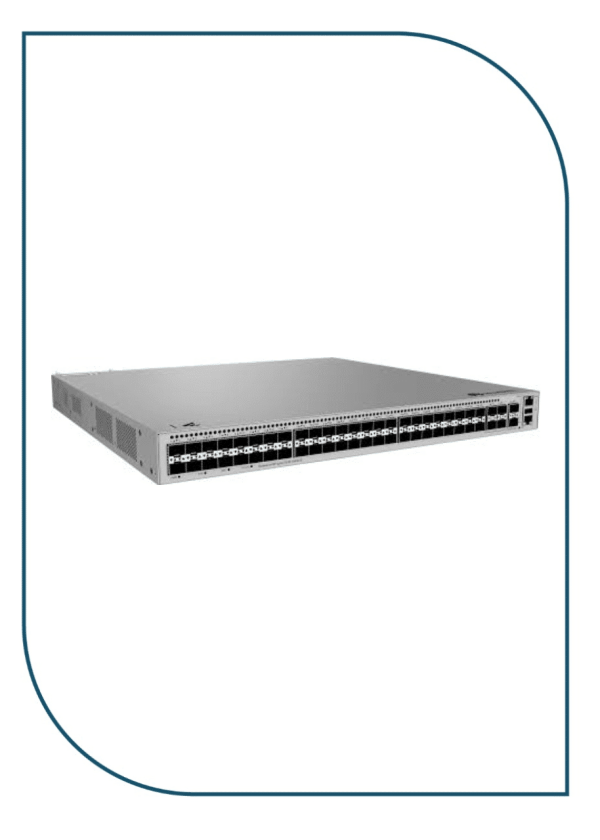
Huawei eKitEngine S530-48S4XE 48-Port GE SFP Aggregation Switch with 4x 10GE SFP+ (S530-48S4XE)
In stock
46.990,00 EGP
SKU:
S530-48S4XE
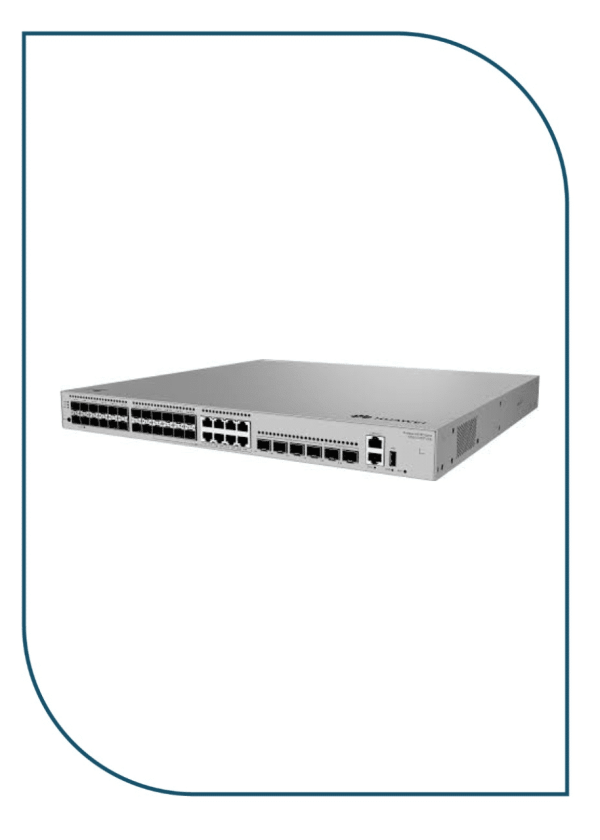
Huawei eKitEngine S530-24ST4XE 24-Port GE SFP Aggregation Switch with 4x 10GE SFP+ (S530-24ST4XE)
In stock
42.950,00 EGP
SKU:
S530-24ST4XE
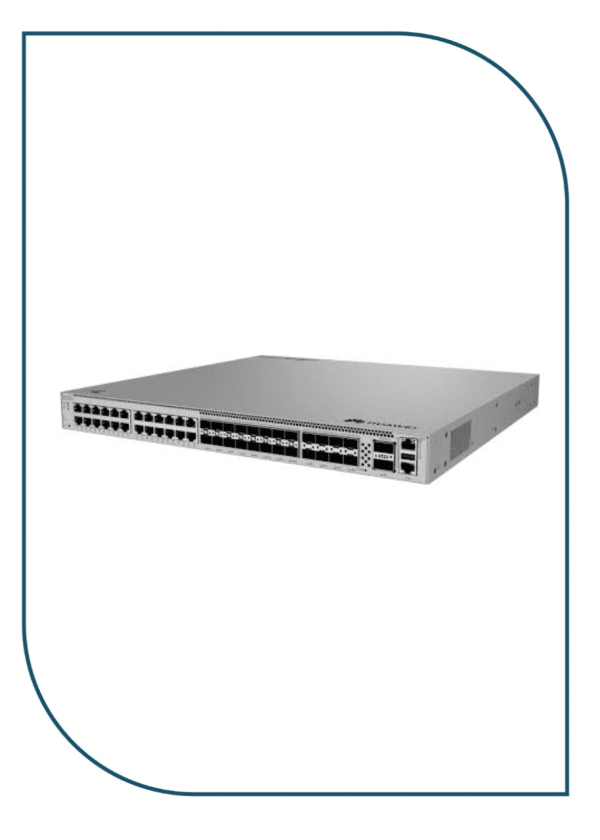
Huawei eKitEngine S620-24T16X8Y2CZ Enterprise Core Switch with 2x 100GE & 8x 25GE (S620-24T16X8Y2CZ)
Available on backorder
90.999,00 EGP
SKU:
S620-24T16X8Y2CZ
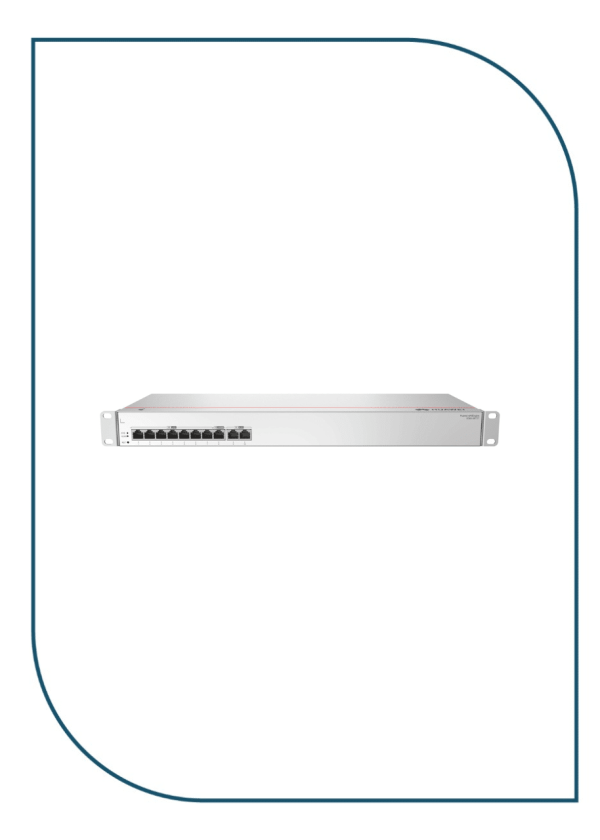
Huawei eKIT S380-S8T2T Multi-Service Gateway with Dual GE WAN Ports (S380-S8T2T)
In stock
10.990,00 EGP
SKU:
S380-S8T2T

Eng. Eslam El Fiky
Co-Founder & Managing Director
Enterprise IT systems specialist and telecom infrastructure strategist. Eng. Eslam oversees BSMART Networks' enterprise hardware distribution, server rack infrastructure, and vendor alliances with global brands like Huawei across Egypt and the MENA region.


