















Huawei eKit S110 vs S220 vs S220S: Differences, Naming Codes and Use Cases

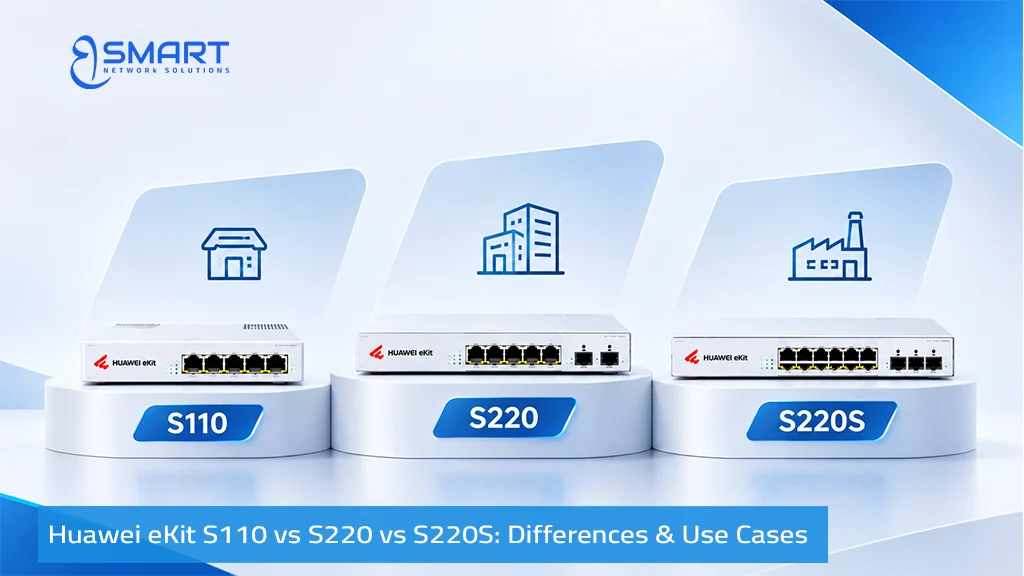
These three families cover most small-office, hotel-floor, and retail wiring projects within the Huawei eKit portfolio from BSMART Networks. Yet their model codes look almost identical at first glance. This guide clarifies what separates each series, decodes the hardware naming scheme, and maps all 25 models to practical commercial use cases.
This article serves strictly as an architectural comparison guide to help network designers select the appropriate series. For item-level specifications, live stock availability, or formal project quotations.
Quick answer: The S110 is an unmanaged plug-and-play switch with 1GE SFP uplinks. The S220 and S220S are smart managed switches with 802.1Q VLANs and app control. Only the S220S adds 2.5GE SFP uplinks and 2.5G Multi-Gigabit PoE+ access ports for efficient Wi-Fi 6 and Wi-Fi 7 backhaul.
S110 vs S220 vs S220S at a Glance
| Feature | S110 Series | S220 Series | S220S Series | When to Choose This Series |
|---|---|---|---|---|
| Management Mode | Unmanaged, plug-and-play | Smart managed, app and web | Smart managed, app and web | Choose S110 for zero setup; choose S220 or S220S when VLANs or cloud visibility are required. |
| VLAN Segmentation (802.1Q) | No (Single broadcast domain) | Yes, Layer 2 segmentation | Yes, Layer 2 segmentation | Choose S220 or S220S to isolate guest Wi-Fi, CCTV cameras, and office workstations. |
| Downlink Port Density | 8, 16, and 24 ports | 8, 24, and 48 ports | 8 or 24 ports (up to 26 ports on PN models) | Choose S220 when you need a single 48-port switch to save rack space in one cabinet. |
| Uplink Options | 1GE SFP | 4 x 1GE SFP (4S) or 4 x 10GE SFP+ (4X) | 2.5GE SFP (J), 10GE SFP+ (X), or hybrid (JX) | Choose S220S for flexible 2.5GE SFP backhaul to balance cost and throughput. |
| Multi-Gigabit Copper Ports | No (Gigabit only) | No (Gigabit only) | Yes, on PN models (2.5G PoE+) | Choose S220S PN models to power high-throughput Wi-Fi 7 access points over 2.5G copper drops. |
| PoE Capabilities | PoE+ on P and LP models | PoE+ on P models (up to 400W) | PoE+ on P, LP, and PN models (up to 400W) | Verify the exact rated watt budget against your camera and access point load. |
| Primary Deployment Role | Simple network extensions | Standard corporate office access | Access layer aggregating Wi-Fi 6 and Wi-Fi 7 | Align hardware capabilities with your physical cabling and bandwidth expectations. |
The primary dividing line is management. The S110 provides no software controls, meaning all connected devices communicate across a single flat network. The second dividing line is uplink flexibility. The S220S exists because modern Wi-Fi 6 and Wi-Fi 7 access points can exceed 1 Gbps, and a 2.5GE optical uplink eliminates this bottleneck without requiring full 10GE switching costs.
Huawei eKit SKU Naming Decoder Table
Huawei eKit model numbers read logically from left to right. In “S220S-24P4JX”, the series is S220S, the switch provides 24 access ports, ‘P’ indicates PoE+, and ‘4JX’ indicates four uplinks: two 2.5GE SFP ports and two 10GE SFP+ ports. This decoder table explains the verified hardware naming convention used across all three families:
| Code Element | Technical Definition | Hardware Example |
|---|---|---|
| T | Gigabit Ethernet RJ45 copper access port | S110-8T2ST, S220-24T4X |
| P | PoE+ power delivery on access ports (Full power budget) | S220-24P4X, S220S-24P4J |
| LP | PoE+ power delivery with a lower total wattage budget | S110-24LP2SR, S220S-24LP4JX |
| PN | 2.5G Multi-Gigabit copper access ports supporting PoE+ | S220S-10PN4JX, S220S-26PN4JX |
| S | 1GE SFP optical port | S220-8T4S |
| J | 2.5GE SFP optical port | S220S-24P4J |
| X | 10GE SFP+ optical port | S220-24P4X, S220S-8T2X |
| Leading Number | Number of downlink access ports | S220-48P4X = 48 access ports |
| Number before S, J, X | Quantity of designated optical uplink interfaces | S220S-24P4J = 4 x 2.5GE SFP uplinks |
Keep two precautions in mind. First, S220S is distinct from the S310 family: models such as S220S-10PN4JX belong to the Layer 2 smart managed tier, whereas S310 models introduce Layer 3 routing. Second, model codes define port configurations, not exact PoE budgets. Always confirm total wattage ratings on the official datasheet before finalizing your design.
S110 Series: Six Unmanaged Models
The S110 series provides zero-configuration, plug-and-play Ethernet switching. Switching capacity ranges from 20 Gbps on 8-port desktop units to 52 Gbps on 24-port rack units. PoE models follow IEEE 802.3af and 802.3at standards, delivering up to 30W per port. Compact models utilize fanless natural convection cooling, and internal power supplies feature 6 kV surge protection on data and AC lines. Because the S110 lacks 802.1Q VLAN support, all connected devices communicate on a flat network.
| Model SKU | Access Ports | PoE Power Budget | Optical Uplinks | Recommended Application |
|---|---|---|---|---|
| S110-8T2ST | 8 GE RJ45 | Non-PoE | 2 GE SFP | Desktop workstations, retail counters, or compact room extensions |
| S110-16T2S | 16 GE RJ45 | Non-PoE | 2 GE SFP | Small offices requiring wired PC drops without PoE hardware |
| S110-24T2SR | 24 GE RJ45 | Non-PoE | 2 GE SFP | Single-cabinet wired networks where traffic segmentation is unnecessary |
| S110-8P2ST | 8 GE RJ45 | PoE+ (Full budget) | 2 GE SFP | Powering a few IP phones, static cameras, or a single access point |
| S110-16LP2SR | 16 GE RJ45 | PoE+ (LP, lower budget) | 2 GE SFP | Small surveillance installations with low-wattage IP cameras |
| S110-24LP2SR | 24 GE RJ45 | PoE+ (LP, 180W budget) | 2 GE SFP | Unmanaged IP camera aggregation with an optical link back to an NVR |
A typical deployment pairs an 8-port switch such as the Huawei eKit S110-8P2ST with an office counter to power two VoIP phones and a security camera. Because unmanaged switches offer no remote management or port isolation, any configuration change requires physical on-site intervention.
S220 Series: Eight Smart Managed Models
The S220 series introduces Layer 2 network intelligence. It supports 802.1Q VLAN segmentation, port isolation, loop prevention, and Huawei eKit cloud management via web GUI and mobile app. This allows staff PCs, VoIP telephony, and guest Wi-Fi to operate securely on a single switch. The ‘4S’ variants feature four 1GE SFP optical uplinks, while the ‘4X’ variants provide four 10GE SFP+ uplinks. The S220 series also hosts high-density 48-port models.
| Model SKU | Access Ports | PoE Power Budget | Optical Uplinks | Recommended Application |
|---|---|---|---|---|
| S220-8T4S | 8 GE RJ45 | Non-PoE | 4 GE SFP | Compact managed edge switch for non-PoE desktop clusters |
| S220-8P4S | 8 GE RJ45 | PoE+ | 4 GE SFP | Small managed branch closet powering cameras and access points |
| S220-24T4X | 24 GE RJ45 | Non-PoE | 4 x 10GE SFP+ | High-speed corporate workstation distribution with 10G optical uplinks |
| S220-24P4X | 24 GE RJ45 | PoE+ | 4 x 10GE SFP+ | Standard enterprise office floor mixing PCs, VoIP, and Wi-Fi 6 APs |
| S220-48T4S | 48 GE RJ45 | Non-PoE | 4 GE SFP | High-density corporate floor for wired workstations with 1G uplinks |
| S220-48T4X | 48 GE RJ45 | Non-PoE | 4 x 10GE SFP+ | High-density workstation floor connected to a 10G core network |
| S220-48P4S | 48 GE RJ45 | PoE+ | 4 GE SFP | Single-cabinet enterprise floor powering dense VoIP and AP loads |
| S220-48P4X | 48 GE RJ45 | PoE+ | 4 x 10GE SFP+ | High-density PoE access layer requiring 10GE uplinks in a 1U footprint |
A 24-port model such as the Huawei eKit S220-24P4X serves as a standard enterprise access switch, combining 24 PoE+ ports with four 10GE SFP+ uplinks. Its primary architectural boundary is that uplinks are restricted to 1GE or 10GE speeds, without intermediate 2.5GE optical options.
S220S Series: Eleven Models with 2.5GE Uplinks
The S220S series maintains the S220’s smart management while altering the interface architecture. Most S220S models provide 8 or 24 copper access ports, while selected PN models offer dedicated 2.5G Multi-Gigabit access interfaces (up to 26 downlink ports on the S220S-26PN4JX). ‘J’ models provide 2.5GE SFP optical uplinks, ‘X’ models provide 10GE SFP+ uplinks, and ‘PN’ models introduce 2.5G Multi-Gigabit copper access ports supporting PoE+. Deployments requiring 48 ports on a single switch should select the S220 or S310.
| Model SKU | Access Interface Distribution | PoE Budget | Optical Uplinks | Recommended Application |
|---|---|---|---|---|
| S220S-8T2J | 8 GE RJ45 | Non-PoE | 2 x 2.5GE SFP | Small managed non-PoE switch with cost-effective 2.5G optical backhaul |
| S220S-8T2X | 8 GE RJ45 | Non-PoE | 2 x 10GE SFP+ | Compact edge switch linking directly to a 10G optical core switch |
| S220S-8P4J | 8 GE RJ45 | PoE+ | 4 x 2.5GE SFP | Small office or retail branch powering cameras and Wi-Fi 6 access points |
| S220S-8P4JX | 8 GE RJ45 | PoE+ | Hybrid: 2 x 2.5GE + 2 x 10GE | Compact PoE closet connecting to mixed 2.5G and 10G upstream infrastructure |
| S220S-10PN4JX | 6 GE PoE+ + 2 GE + 2 x 2.5GE PoE+ | PoE+ with 2.5G ports | Hybrid: 2 x 2.5GE + 2 x 10GE | Powering Wi-Fi 7 APs at 2.5G speeds alongside standard Gigabit devices |
| S220S-24T4J | 24 GE RJ45 | Non-PoE | 4 x 2.5GE SFP | Enterprise workstation distribution utilizing 2.5GE optical uplinks |
| S220S-24T4JX | 24 GE RJ45 | Non-PoE | Hybrid: 2 x 2.5GE + 2 x 10GE | Workstation floor switch connecting to both a local gateway and 10G core |
| S220S-24LP4JX | 24 GE RJ45 | PoE+ (LP, 195W budget) | Hybrid: 2 x 2.5GE + 2 x 10GE | Light PoE installations combining a few IP phones and standard access points |
| S220S-24P4J | 24 GE RJ45 | PoE+ (P, 400W budget) | 4 x 2.5GE SFP | Standard enterprise floor mixing high-draw cameras, VoIP, and Wi-Fi APs |
| S220S-24P4JX | 24 GE RJ45 | PoE+ | Hybrid: 2 x 2.5GE + 2 x 10GE | Floor switch requiring 10GE optical uplinks toward a central core |
| S220S-26PN4JX | 20 GE PoE+ + 2 GE + 4 x 2.5GE PoE+ | PoE+ with 2.5G ports | Hybrid: 2 x 2.5GE + 2 x 10GE | Dense office floor aggregating multiple Wi-Fi 7 access points over 2.5G copper |
The Huawei eKit S220S-24P4J serves as the primary access switch in this family, delivering a 400W PoE power budget and four 2.5GE SFP optical uplinks. In contrast, the S220S-24LP4JX provides a 195W budget, making it suitable only for light loads. For environments deploying Wi-Fi 7 access points, the S220S-10PN4JX and S220S-26PN4JX provide dedicated 2.5G Multi-Gigabit copper access ports to prevent physical link throttling.
S220 vs S220S: Uplink Differences
Uplink architecture represents the most significant technical distinction between the S220 and S220S series. This breakdown details which uplink interfaces each series provides:
| Series & Suffix Code | Uplink Interface Types | Architectural Suitability |
|---|---|---|
| S110 Series | 1GE SFP optical ports | Direct connection to an edge router or basic gateway |
| S220 Series (‘4S’) | 4 x 1GE SFP optical ports | Edge distribution closets carrying moderate gigabit traffic |
| S220 Series (‘4X’) | 4 x 10GE SFP+ optical ports | High-speed optical connections to a 10G aggregation switch or core |
| S220S Series (‘2J’ or ‘4J’) | 2 or 4 x 2.5GE SFP optical ports | Aggregating Wi-Fi 6 access points without 10G infrastructure costs |
| S220S Series (‘2X’) | 2 x 10GE SFP+ optical ports | Small access switch requiring a direct 10G link to a central core |
| S220S Series (‘4JX’) | Hybrid: 2 x 2.5GE SFP + 2 x 10GE SFP+ | Simultaneous connection to a 2.5G gateway and a 10G corporate core |
Consider throughput aggregation: twenty-four gigabit access ports can generate substantially more than 1 Gbps during peak operations, quickly saturating a single 1GE uplink. A 2.5GE uplink can provide a practical middle ground between 1GE and 10GE, depending on transceiver compatibility, upstream equipment, and total deployment cost. Note that optical transceivers are modular line items that must be ordered separately to match your cabling plant.
Why the S220S Provides an Efficient Backhaul Solution for Wi-Fi 6 & Wi-Fi 7
In Egyptian commercial offices and hotels, access switches frequently support ceiling access points, IP phones, and security cameras across a single cable plant. Wi-Fi 6 access points reach theoretical physical rates of 1.775 Gbps (AP361) and 2.975 Gbps (AP362E), while the Wi-Fi 7 AP371 features a native 2.5GE uplink port delivering up to 3.57 Gbps. A standard 1GE switch port caps this wireless backhaul.
The S220S series addresses this bandwidth requirement efficiently: it delivers 2.5GE SFP optical uplinks toward the core and, on ‘PN’ models, provides 2.5G PoE+ copper access ports directly to access points. It represents a practical choice over the S310 series when local Layer 3 routing is not required, preserving smart management and 2.5G bandwidth without moving to an advanced price tier. For instance, in a retail facility, an S380 gateway paired with an S220S-8P4J switch isolates POS payment systems, surveillance cameras, and guest Wi-Fi across separate 802.1Q VLANs.
Operating temperatures for these commercial switches range from 0°C to 45°C. Server cabinets in Egypt must be properly ventilated during summer months. For unconditioned industrial environments or outdoor enclosures, specify the hardened S210I series detailed in our S310, S530, S620 and S210I guide.
S220S vs S310: When to Step Up
Step up to the S310 series when your topology requires local Layer 3 inter-VLAN routing on the switch hardware, Perpetual PoE on supported models to maintain camera power during reboots, all-optical SFP distribution, or high-power PoE++ (up to 90W on select ‘U’ or ‘HP’ models). Remain on the S220S series when your edge gateway handles inter-VLAN routing and your priority is a smart managed Layer 2 switch with 2.5G backhaul.
Which Huawei eKit Series Should You Choose?
- Choose the S110 series: When you require an unmanaged, plug-and-play switch for simple device extensions and never need VLANs, remote monitoring, or cloud management.
- Choose the S220 series: When you need smart managed Layer 2 networking, 802.1Q VLANs, and require 48 access ports in a single 1U switch with 1GE or 10GE uplinks.
- Choose the S220S series: When your access network aggregates Wi-Fi 6 or Wi-Fi 7 access points that require 2.5GE SFP uplinks or dedicated 2.5G Multi-Gigabit copper access ports.
For a complete architectural overview, read our guide on how to choose a Huawei eKit switch, and verify power consumption using our PoE switch sizing guide.
Where to Find Pricing
This comparison guide evaluates hardware architectures and series-level capabilities; it does not publish static price sheets. Final project costs in Egypt depend on exact model selection, required port density, optical transceiver quantities, and currency exchange conditions. To inspect individual product datasheets, check live inventory, or request an official quotation in Egyptian Pounds (EGP), explore our complete catalogue of Huawei eKit switches or contact BSMART Networks presales engineering directly.
Huawei eKit S110, S220 and S220S FAQs
What is the difference between Huawei eKit S110, S220 and S220S switches?
The S110 series consists of unmanaged plug-and-play Gigabit and PoE+ switches (8 to 24 ports) for simple unsegmented setups. Both S220 and S220S are smart managed switches supporting cloud and mobile app management, 802.1Q VLANs, and loop prevention. However, the S220S series adds flexible 2.5GE SFP optical uplinks (J models) and 2.5G Multi-Gigabit copper ports (PN models) alongside 10GE SFP+ options.
How do uplink interfaces differ across S110, S220 and S220S models?
S110 models feature 1GE SFP optical uplinks. S220 models provide either 4 x 1GE SFP (4S models) or 4 x 10GE SFP+ (4X models). S220S models offer 2.5GE SFP (2J or 4J models), 10GE SFP+ (2X models), or hybrid configurations combining 2 x 2.5GE SFP + 2 x 10GE SFP+ (4JX models).
When should I choose S220 instead of S220S?
Choose the S220 series when your deployment requires a single 48-port switch in a 1U footprint, or when 1GE or 10GE uplinks match your core infrastructure. Choose the S220S series when access points need 2.5GE SFP backhaul or 2.5G copper access ports.
Are Huawei eKit S110 switches managed or unmanaged?
The S110 is entirely unmanaged. It operates plug-and-play without an IP address, configuration interface, 802.1Q VLANs, or remote cloud diagnostics. Smart managed S220 and S220S switches add Layer 2 VLAN segmentation, web GUI access, and Huawei eKit mobile app management.
Need assistance selecting the right switch series?
Submit your device inventory and bandwidth requirements to BSMART Networks presales engineering for a verified bill of materials. You can also review our general Huawei eKit buying guide.
Related Products
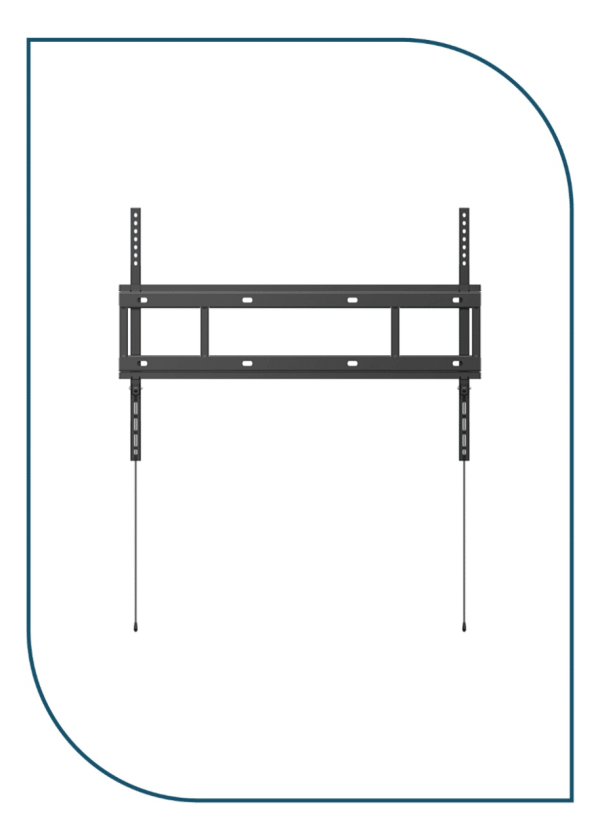
Huawei IdeaHub Heavy-Duty Wall Mount Bracket for 65/75/86 Displays (Wall Mount Bracket)
In stock
0,00 EGP
SKU:
Wall Mount Bracket
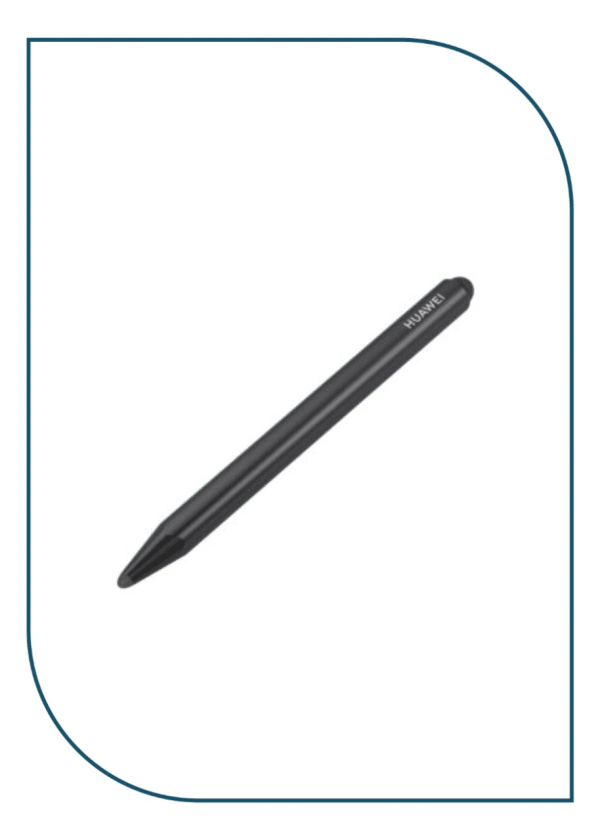
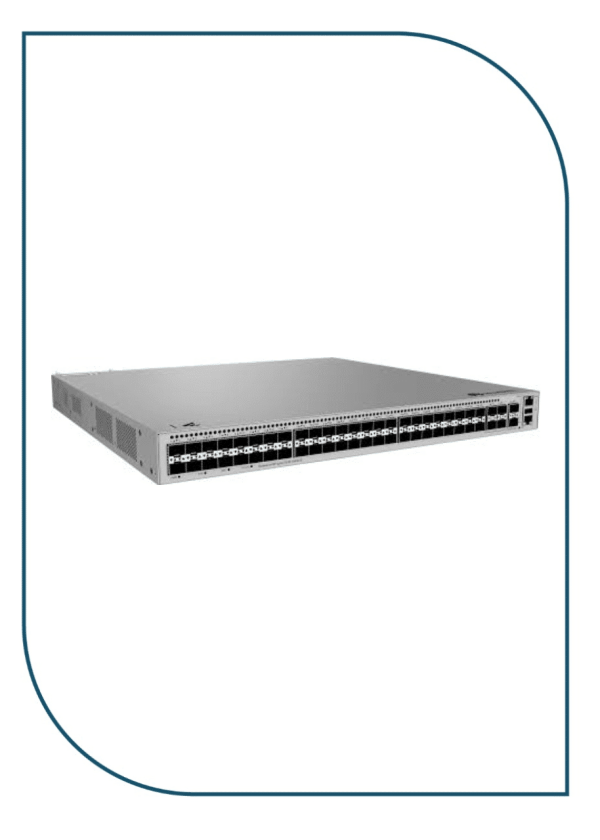
Huawei eKitEngine S530-48S4XE 48-Port GE SFP Aggregation Switch with 4x 10GE SFP+ (S530-48S4XE)
In stock
46.990,00 EGP
SKU:
S530-48S4XE
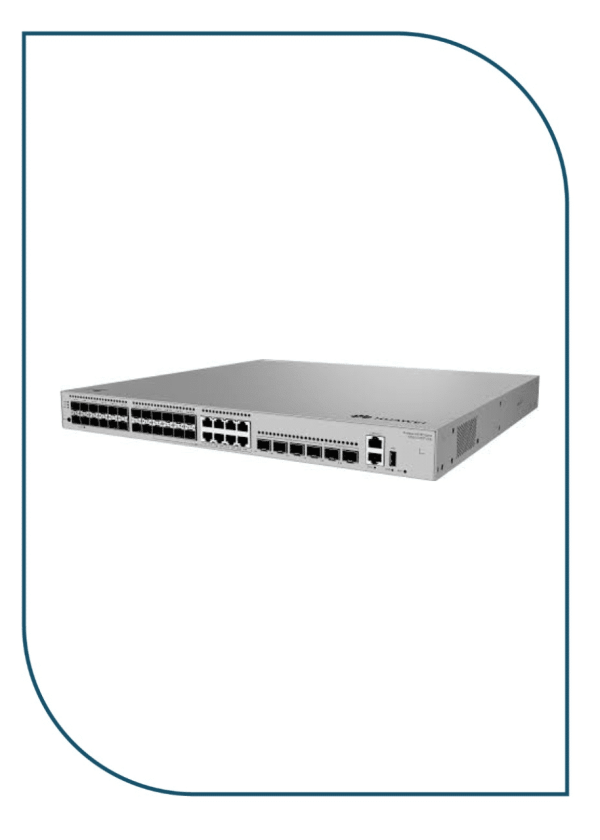
Huawei eKitEngine S530-24ST4XE 24-Port GE SFP Aggregation Switch with 4x 10GE SFP+ (S530-24ST4XE)
In stock
42.950,00 EGP
SKU:
S530-24ST4XE
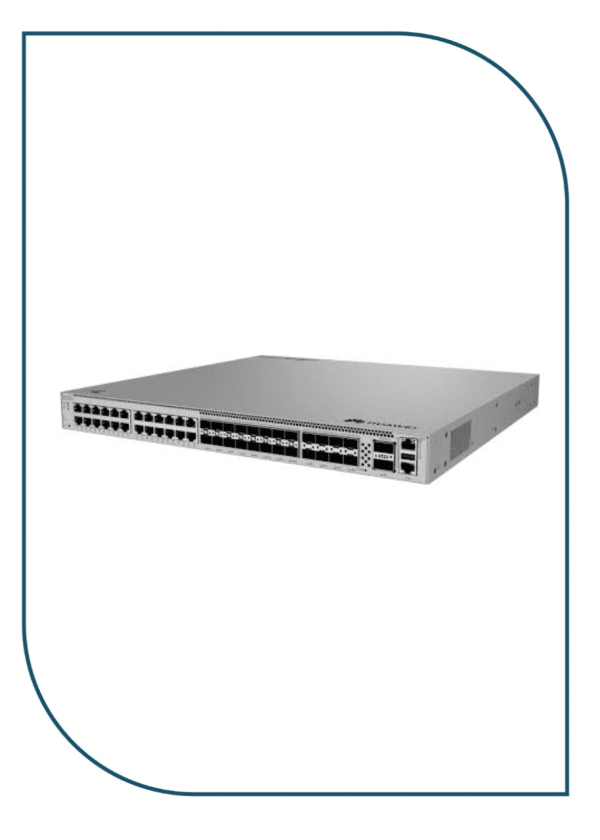
Huawei eKitEngine S620-24T16X8Y2CZ Enterprise Core Switch with 2x 100GE & 8x 25GE (S620-24T16X8Y2CZ)
Available on backorder
90.999,00 EGP
SKU:
S620-24T16X8Y2CZ
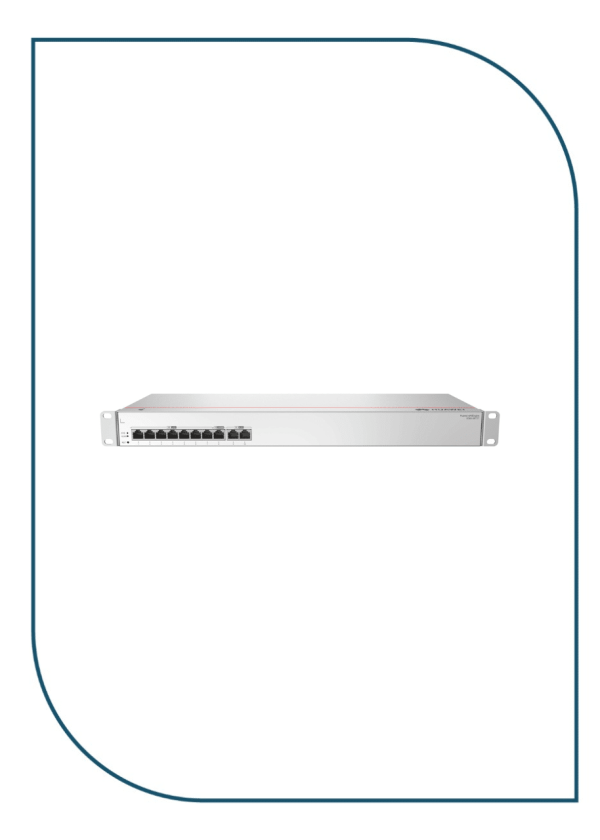
Huawei eKIT S380-S8T2T Multi-Service Gateway with Dual GE WAN Ports (S380-S8T2T)
In stock
10.990,00 EGP
SKU:
S380-S8T2T

Eng. Eslam El Fiky
Co-Founder & Managing Director
Enterprise IT systems specialist and telecom infrastructure strategist. Eng. Eslam oversees BSMART Networks' enterprise hardware distribution, server rack infrastructure, and vendor alliances with global brands like Huawei across Egypt and the MENA region.


