














Huawei eKit Access Points Guide: Wi-Fi 6 vs Wi-Fi 7 & AP Types

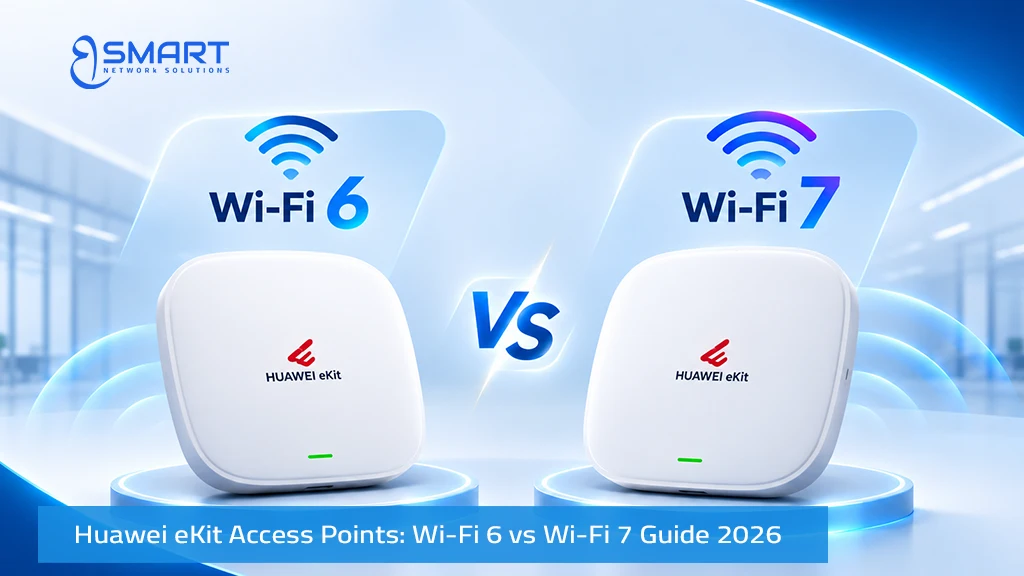
The Huawei eKit access points portfolio includes 11 wireless access point models and dedicated AC650 wireless access controllers. Choosing the right model requires evaluating three key factors: Wi-Fi generation, installation form factor, and supported client capacity. This guide compares Huawei eKit Wi-Fi 6 and Wi-Fi 7 technologies, explains the differences between in-wall, ceiling-mounted, and outdoor access points, and provides practical guidance for planning wireless networks in Egyptian buildings. For a complete overview of the available solutions, visit our Huawei eKit in Egypt resource hub.
Quick answer: Huawei eKit Wi-Fi 7 access points (AP371, AP673, AP771, AP772) use IEEE 802.11be with 4096-QAM and Multi-Link Operation (MLO), requiring Multi-GE (2.5GE or faster) switch uplinks on supported models. Wi-Fi 6 models (AP160, AP266, AP361, AP362, AP362E, AP661, AP761) operate on IEEE 802.11ax, delivering dependable enterprise connectivity at lower hardware cost. Select the physical form factor based on architecture: in-wall plates for hotel rooms, ceiling-mounted discs for open offices, and weather-resistant outdoor enclosures for exterior campus areas.
What Is the Difference Between Huawei eKit Wi-Fi 6 and Wi-Fi 7 Access Points?
Wi-Fi 7 elevates peak wireless throughput, minimizes transfer latency, and mitigates radio interference across crowded frequencies. However, realizing these architectural benefits requires adequate wired switching and structured cabling infrastructure.
| Technical Dimension | Wi-Fi 6 (IEEE 802.11ax) | Wi-Fi 7 (IEEE 802.11be) |
|---|---|---|
| Huawei eKit Models | AP160, AP266, AP361, AP362, AP362E, AP661, AP761 | AP371, AP673, AP771, AP772 |
| Modulation Scheme | 1024-QAM (10 bits per symbol) | 4096-QAM (12 bits per symbol, 20% data density boost) |
| Multi-Link Operation (MLO) | Not supported (single band connection) | Supported: transmits across multiple bands simultaneously |
| Puncturing & Spectrum Use | Standard OFDMA subcarrier channels | Multi-RU Puncturing: avoids noisy channels without losing the whole block |
| Peak Physical Layer Rate | 1.775 Gbps (dual-band) up to 6.575 Gbps (tri-radio) | 3.57 Gbps (AP371/AP771) up to higher rates on tri-radio units |
| Switch Uplink Interfaces | 1 × GE RJ45 (AP661 provides 2 × GE) | 2.5GE on AP371/AP771; multi-gigabit/optical on higher units |
| Target Applications | Standard enterprise offices, schools, hotel guest rooms | AR/VR collaboration, 4K/8K video, high-density corporate floors |
Peak physical-layer (PHY) speeds indicate theoretical radio transceiver ceilings. Real-world user throughput is lower, shaped by distance, environmental obstacles, radio interference, and client device specifications.
Is Wi-Fi 7 Worth It for Egyptian Enterprises?
Specifying Wi-Fi 7 makes sense when modern client devices support 802.11be, when user density is exceptionally high, or when network infrastructure is designed for a five-year lifecycle. Wi-Fi 7 features such as Multi-Link Operation (MLO) and 4096-QAM deliver measurable benefits only when connecting client laptops and smartphones equipped with matching Wi-Fi 7 chipsets and operating systems. Older Wi-Fi 5 and Wi-Fi 6 client devices connect seamlessly via backward compatibility, but operate at their native legacy speeds. When project budgets are constrained or client fleets consist of older corporate laptops, standard Wi-Fi 6 access points remain the most cost-effective choice.
Wired Infrastructure Requirements for Wi-Fi 7 Deployments
- Multi-GE switch access ports: Next-generation access points like the AP371 feature 2.5GE uplink ports. Connecting a 2.5GE access point to a legacy 1GE switch port creates a throughput bottleneck. Deploy Multi-GE PoE+ switches such as the S310-24PN4X, S220S-10PN4JX, or S220S-26PN4JX. Learn more in our S310 and advanced switch guide.
- Elevated PoE power allocation: Wi-Fi 7 access points with high-speed processors and multiple radios draw more power than Wi-Fi 6 hardware. Sizing switch budgets requires careful planning as explained in our PoE power budget guide.
- Solid copper Cat6A structured cabling: Shielded Category 6A cabling (such as Huawei eKit CAT6A-SFTP) provides 10 Gbps transmission capability and handles higher PoE wattage without heat buildup.
How Do I Choose an Indoor, Wall-Plate or Outdoor Huawei eKit AP?
Antenna orientation and physical enclosure determine how radio frequency energy propagates through a building. Selecting the proper form factor is more important than theoretical speed ratings.
| Form Factor | Huawei eKit SKUs | Target Installation Environment | Primary Architectural Benefit |
|---|---|---|---|
| In-Wall Plate (86 mm box) | AP160, AP266 | Hotel guest rooms, hospital wards, dormitories, clinics | Contained in-room RF coverage; integrated wired downlink ports |
| Ceiling-Mount Disc | AP361, AP362, AP362E, AP371, AP661, AP673 | Open corporate offices, school classrooms, retail spaces | Centrally mounted omnidirectional coverage across broad open areas |
| Weather-Resistant Outdoor | AP761, AP771, AP772 | Resort pools, outdoor cafes, industrial yards, school fields | Ruggedized die-cast enclosures with 6 kV lightning surge protection |
In-Wall Plate Access Points for Enclosed Rooms
The AP160 is a compact dual-band Wi-Fi 6 access point delivering up to 1.775 Gbps, designed to mount directly into standard 86 mm electrical junction boxes. The higher-performance AP266 increases throughput to 2.975 Gbps and incorporates four Gigabit Ethernet downlink ports on its underside. These ports supply wired connectivity for in-room smart televisions, VoIP telephone consoles, and patient monitoring terminals. In-wall plate models are far superior to hallway ceiling units in hospitality and healthcare because they eliminate RF signal degradation through thick concrete walls. Detailed bill of materials planning is available in our hotel Wi-Fi solution guide.
Ceiling-Mounted Access Points for Open Areas
Ceiling access points disperse radio waves downward and outward in a doughnut-shaped pattern. The AP361 provides entry-level AX1800 Wi-Fi 6 speeds (up to 1.775 Gbps). The AP362 and AP362E deliver AX3000 speeds (up to 2.975 Gbps). The AP362E features an elevated 27 dBm transmit power, expanding range across large commercial areas. The next-generation AP371 introduces dual-band Wi-Fi 7 with a 2.5GE uplink port. For high-density halls, the AP661 deploys three discrete radios (one 2.4 GHz and two 5 GHz radios) to deliver 6.575 Gbps aggregate throughput, while the AP673 provides tri-radio Wi-Fi 7 performance across 2.4 GHz, 5 GHz, and 6 GHz frequencies.
Weather-Resistant Outdoor Access Points
Outdoor wireless coverage requires hardware built to survive extreme climate conditions. The AP761 (Wi-Fi 6, up to 1.775 Gbps) and AP771 (Wi-Fi 7, up to 3.57 Gbps) are housed in rugged die-cast aluminum enclosures operating from -40 °C to +65 °C. Both models integrate 6 kV common-mode electrical surge protection across Ethernet ports to safeguard against lightning transients. The AP772 provides specialized outdoor Wi-Fi 7 performance. Ingress protection ratings vary by model and configuration (such as IP68 on the AP761 and IP65/IP68 options on AP771/AP772); check each model’s official datasheet for exact ratings before installation.
Understanding Recommended vs Maximum AP Client Capacity
Network engineers distinguish between three separate client metrics when sizing wireless capacity:
- Maximum Associated Clients: The theoretical hardware ceiling of simultaneous client associations supported by radio firmware (typically 128 to 256 devices). This metric does not reflect active data transfer.
- Recommended Concurrent Clients: The realistic number of active, communicating client devices an access point can serve while maintaining stable throughput, low latency, and smooth video conferencing.
- High-Density Concurrency: Specialized multi-radio architectures (such as the triple-radio AP661) designed for crowded venues, supporting 300+ simultaneous associations across multiple distinct frequency bands.
| Access Point Model | Radio Architecture | Recommended Concurrent Clients | Maximum Associated Clients | Recommended Application |
|---|---|---|---|---|
| AP160 | Dual-Radio Wi-Fi 6 (2×2 MIMO) | 48 active users | 128 clients | Standard hotel guest rooms, small private clinics |
| AP266 | Dual-Radio Wi-Fi 6 (2×2 MIMO) | 64 active users | 128 clients | Executive hotel suites, hospital patient rooms |
| AP362E | Dual-Radio Wi-Fi 6 (2×2 MIMO, 27 dBm) | 80 active users | 256 clients | Standard corporate open-plan offices, classrooms |
| AP371 | Dual-Radio Wi-Fi 7 (4 spatial streams) | 100 active users | 256 clients | High-throughput offices, collaborative spaces |
| AP661 | Triple-Radio Wi-Fi 6 (2.4G + 5G + 5G) | High-Density (300+ concurrent) | Refer to official datasheet | Auditoriums, lecture halls, convention centers |
| AP673 | Triple-Radio Wi-Fi 7 (2.4G + 5G + 6G) | High-Density Wi-Fi 7 | Refer to official datasheet | Ultra-dense event centers, smart university halls |
| AP761 | Dual-Radio Wi-Fi 6 Outdoor | 64 active users | 128 clients | Resort pools, hotel dining terraces, schoolyards |
| AP771 | Dual-Band Wi-Fi 7 Outdoor | 130 active users | 256 clients | Logistics yards, sports fields, outdoor venues |
| AP772 | Outdoor Wi-Fi 7 Array | Refer to official datasheet | Refer to official datasheet | High-density campus plazas, industrial perimeters |
How Many Access Points Does an Office Need?
To determine the appropriate number of access points, calculate requirements across two criteria: spatial RF coverage and user client capacity. Deploy the higher number resulting from the two calculations.
Worked Engineering Calculation Example: Consider a 600 m² open-plan commercial office accommodating 120 corporate employees.
- Device Load Estimation: 120 employees × 2.5 average wireless devices (laptop, mobile phone, tablet) = 300 connected devices.
- Active Concurrency Factor: Assuming 50% of devices transmit data simultaneously during peak hours = 150 active concurrent clients.
- Capacity Requirement: Using the AP371 (rated for 100 recommended active users): 150 active clients ÷ 100 = 1.5 APs. Incorporating a 20% safety margin yields 2 to 3 access points.
- Coverage Requirement: Dividing 600 m² by an estimated planning baseline of 100 to 150 m² per AP yields 4 to 6 access points.
- Engineering Sizing Decision: Because coverage requirements (4 to 6 APs) exceed capacity requirements (2 to 3 APs), physical space dictates the design. The baseline recommendation is 5 access points.
The 100 to 150 m² figure is an initial planning assumption, not a fixed guarantee. Actual coverage depends on interior wall layouts, construction materials, ceiling heights, and radio frequency interference. On-site RF predictive modeling and wireless site surveys remain essential for finalizing deployment locations. Review our office Wi-Fi design guide for detailed placement recommendations.
How Egyptian Building Materials Affect Wi-Fi Coverage
Egyptian commercial buildings feature structural characteristics that directly influence RF signal behavior. Heavy reinforced concrete columns, solid red-brick walls, and dense masonry partitions absorb and reflect radio signals far more aggressively than drywall partitions.
- 2.4 GHz Band: Offers superior obstacle penetration through standard brick walls, but provides limited spectrum channels and suffers heavy interference from Bluetooth and neighboring networks.
- 5 GHz Band: Delivers high data throughput and wide channels, but experiences heavy signal attenuation when passing through reinforced concrete shear walls.
- 6 GHz Band: Introduced in tri-radio Wi-Fi 7 hardware (such as the AP673), providing clean 320 MHz channels with zero legacy interference. However, 6 GHz signals experience rapid attenuation through dense masonry, requiring direct line-of-sight propagation.
Engineering Rule for Concrete Buildings: Never expect a single access point to provide reliable high-speed 5 GHz or 6 GHz coverage across rooms separated by structural reinforced concrete walls. In multi-room facilities, deploy dedicated in-wall plate APs within individual rooms, or position ceiling APs within line-of-sight corridors.
The Real Role of Huawei Smart Antennas
Select Huawei eKit ceiling models (including the AP361, AP362E, and AP371) integrate patented Smart Antennas. These antenna arrays dynamically direct radio frequency energy toward active client devices rather than radiating power equally in all directions. Huawei testing indicates this adaptive beamforming improves received signal strength by approximately 20% and reduces co-channel RF interference in open environments.
However, engineering teams must maintain realistic expectations: Smart Antenna technology optimizes signal distribution and client coverage in supported deployment scenarios, but it cannot eliminate signal attenuation caused by reinforced concrete walls or replace proper AP placement and professional RF site surveys.
Access Point vs Wireless Router: What Businesses Need to Know
A consumer wireless router merges WAN routing, firewall protection, DHCP services, and basic Wi-Fi into an unmanaged plastic desktop unit. In contrast, an enterprise wireless access point dedicates 100% of its hardware resources to radio frequency transmission. Enterprise APs draw power over structured cabling via PoE, mount securely on ceilings or walls, and support seamless 802.11k/v/r roaming between access points without dropping active VoIP calls or VPN connections.
How Are Huawei eKit Access Points Managed?
Huawei eKit provides flexible management architectures tailored to diverse deployment scales:
- Controllerless Leader AP Architecture: In deployments lacking a dedicated controller, a supported model (such as the AP266) can be designated as the Leader AP. It automatically discovers, configures, and synchronizes settings across local member APs without extra licensing costs.
- Gateway & Cloud Management: Connect access points through a Huawei eKit S380 multi-service gateway. The gateway provisions Wi-Fi settings automatically and synchronizes network telemetry with the Huawei eKit Mobile App.
- Hardware Wireless Access Controllers (AC650): Large multi-story enterprises, university campuses, and resort hotels deploy physical rackmount controllers such as the AC650-128AP (managing up to 128 APs), with higher-tier variants managing 256 or 512 APs. Review our Cloud and Leader AP setup guide for configuration workflows.
Which Huawei eKit Access Point Is Best for Each Business Scenario?
| Commercial Deployment Scenario | Recommended AP Model | Key Selection Rationale |
|---|---|---|
| Hotel guest rooms and private hospital wards | AP160 or AP266 | In-wall mounting avoids concrete attenuation; provides 4 wired LAN ports for IPTV and VoIP |
| Standard corporate open-plan offices | AP361 or AP362E | Cost-effective Wi-Fi 6 coverage; high 27 dBm transmit power on AP362E |
| High-density corporate offices and executive boardrooms | AP371 | Wi-Fi 7 technology, 100 recommended concurrent users, 2.5GE multi-gigabit uplink |
| University lecture halls and conference centers | AP661 or AP673 | Triple-radio array handles dense client associations without RF channel saturation |
| Outdoor pools, hotel gardens, dining patios | AP761 | Weather-hardened Wi-Fi 6 enclosure with integrated 6 kV electrical surge protection |
| Logistics container yards, outdoor sports arenas | AP771 or AP772 | High-speed outdoor Wi-Fi 7 with dual-band multi-link performance |
Huawei eKit Access Points: Frequently Asked Questions
What is the difference between Huawei eKit Wi-Fi 6 and Wi-Fi 7 access points?
Huawei eKit Wi-Fi 7 models (AP371, AP673, AP771, AP772) use IEEE 802.11be with 4096-QAM modulation, Multi-Link Operation (MLO) and Multi-GE uplinks. Wi-Fi 6 models (AP160, AP266, AP361, AP362, AP362E, AP661, AP761) use IEEE 802.11ax for reliable enterprise connectivity at lower cost.
How do I choose an indoor, wall-plate or outdoor Huawei eKit AP?
Select in-wall plate APs (AP160, AP266) for individual hotel rooms and hospital wards to contain signals within walls. Choose ceiling-mounted APs (AP361, AP362E, AP371, AP661, AP673) for open offices and schools. Deploy weather-resistant outdoor APs (AP761, AP771, AP772) for open yards, pools and perimeters.
How many access points does an office need?
Calculate required units separately for coverage (using 100 to 150 m² per AP as a baseline estimate) and capacity (active users divided by recommended concurrency). Adopt the higher figure, and validate RF propagation with an on-site wireless survey.
What is the difference between recommended and maximum AP client capacity?
Maximum client capacity is the hardware radio association ceiling (often 128 to 256 devices). Recommended client capacity (such as 80 on AP362E or 100 on AP371) reflects concurrent active users maintaining smooth video streaming, VoIP calls and low airtime contention.
When does a business need an outdoor access point?
An outdoor AP is required when extending coverage into outdoor areas such as hotel gardens, resort pools, school sports fields, parking areas and logistics yards, where exposure to direct sun, rain, dust and lightning surges would damage indoor hardware.
Request an Access Point Count & Official Project Quotation
BSMART Networks presales engineers review architectural floor plans, calculate user concurrency loads, and provide certified wireless heatmaps for projects across Egypt. To explore current hardware and check Huawei eKit access point price Egypt information, browse our online wireless catalog, consult our foundational Huawei eKit buying guide, or submit your site layout through our Huawei eKit Egypt hub for an authorized project quotation.
Related Products
Huawei IdeaHub Heavy-Duty Wall Mount Bracket for 65/75/86 Displays (Wall Mount Bracket)
In stock
0,00 EGP
SKU:
Wall Mount Bracket
Huawei eKitEngine S530-48S4XE 48-Port GE SFP Aggregation Switch with 4x 10GE SFP+ (S530-48S4XE)
In stock
46.990,00 EGP
SKU:
S530-48S4XE
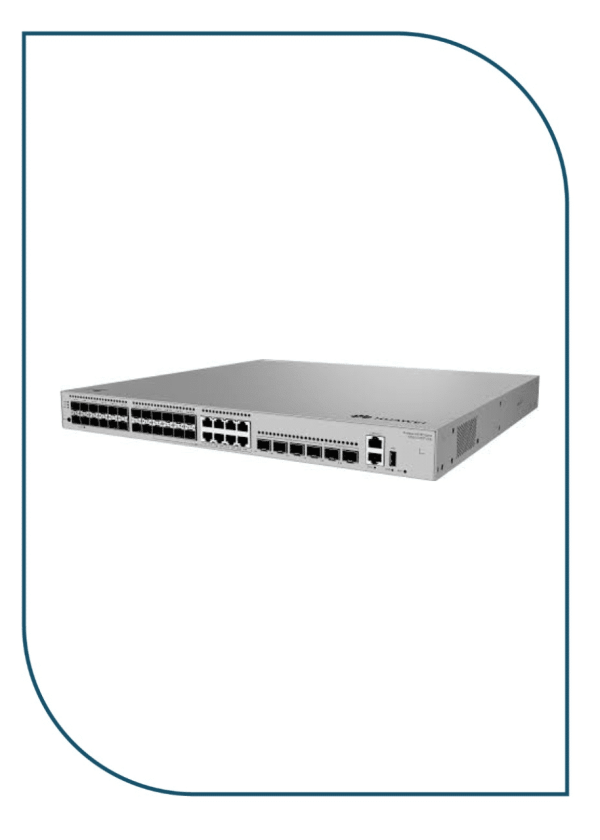
Huawei eKitEngine S530-24ST4XE 24-Port GE SFP Aggregation Switch with 4x 10GE SFP+ (S530-24ST4XE)
In stock
42.950,00 EGP
SKU:
S530-24ST4XE
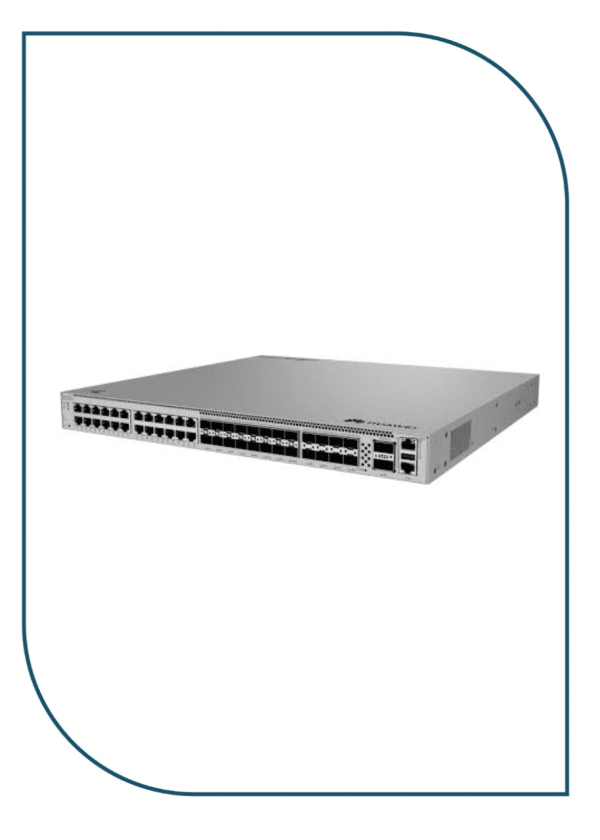
Huawei eKitEngine S620-24T16X8Y2CZ Enterprise Core Switch with 2x 100GE & 8x 25GE (S620-24T16X8Y2CZ)
Available on backorder
90.999,00 EGP
SKU:
S620-24T16X8Y2CZ
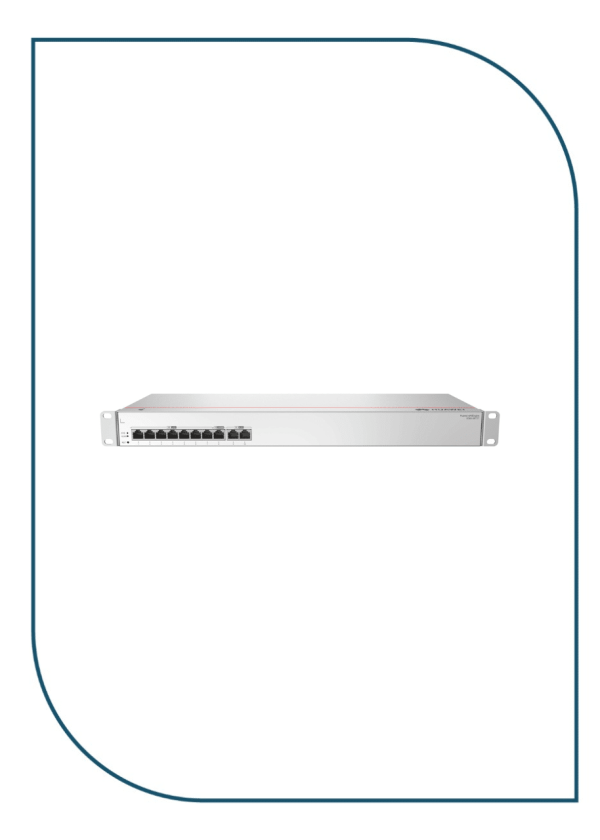
Huawei eKIT S380-S8T2T Multi-Service Gateway with Dual GE WAN Ports (S380-S8T2T)
In stock
10.990,00 EGP
SKU:
S380-S8T2T

Eng. Eslam El Fiky
Co-Founder & Managing Director
Enterprise IT systems specialist and telecom infrastructure strategist. Eng. Eslam oversees BSMART Networks' enterprise hardware distribution, server rack infrastructure, and vendor alliances with global brands like Huawei across Egypt and the MENA region.


