











Indoor Racks vs Outdoor Racks: Which Network Cabinet Is Right for Your Business?

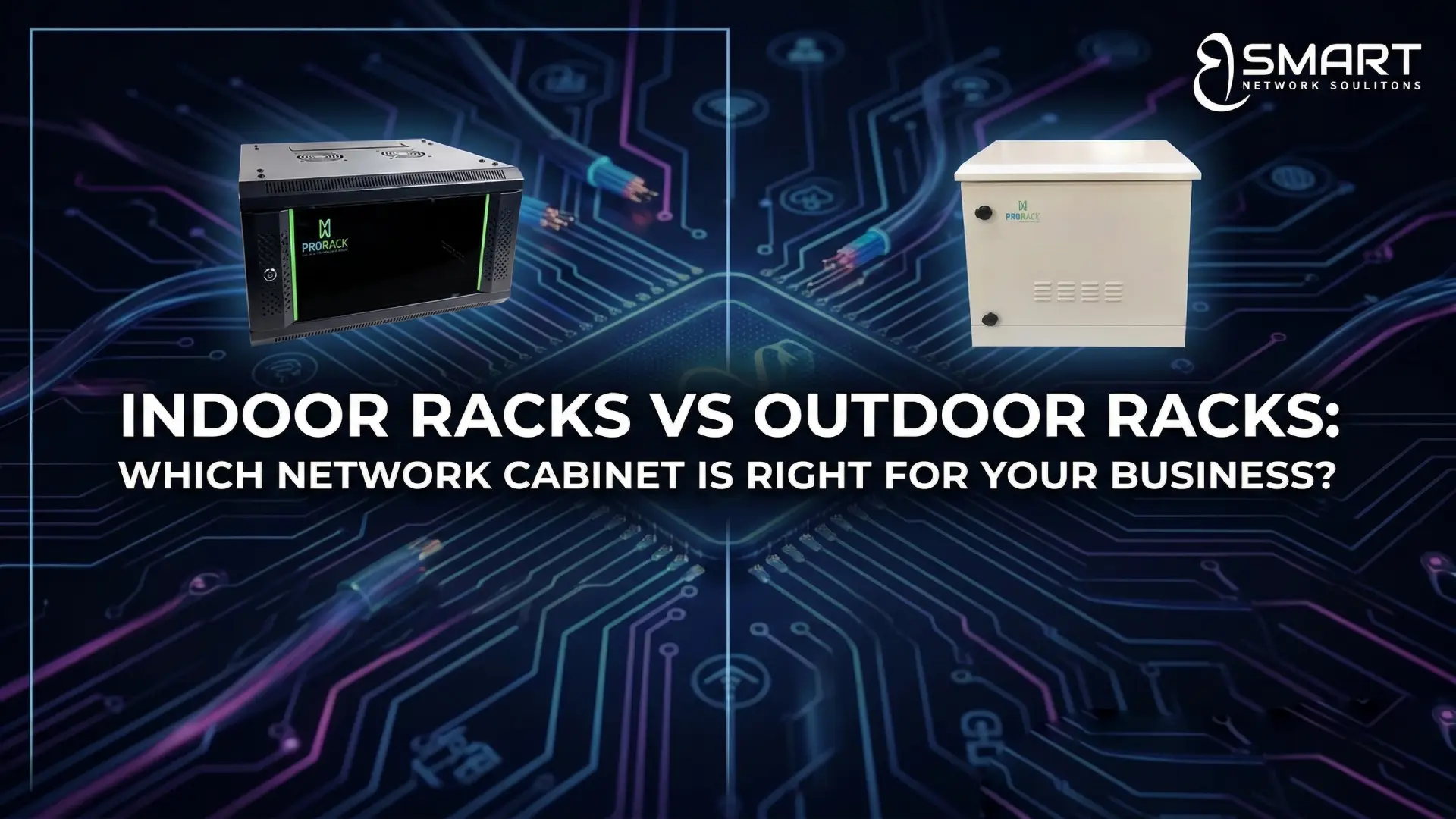
Choosing the right network cabinet is a key decision for any company building or upgrading its IT infrastructure. Businesses often compare Indoor Racks vs Outdoor Racks: Which Network Cabinet Is Right for Your Business? because the wrong choice can affect equipment lifespan, cooling efficiency, and maintenance costs.
For companies in Egypt—where high temperatures, dust, and power fluctuations are common—selecting the correct rack cabinet becomes even more critical. Whether you are installing switches, patch panels, servers, or surveillance equipment, the cabinet you choose will impact reliability, airflow, and security.
This guide explains the differences between indoor and outdoor racks, how to select the right option for your environment, and which rack sizes are typically used in enterprise deployments.
What Is a Network Rack Cabinet?
A network rack cabinet is an enclosure designed to organize and protect IT and networking equipment such as:
- Network switches
- Patch panels
- Servers
- Routers
- UPS systems
- Cable management panels
Most rack cabinets follow the 19-inch rack standard, allowing equipment from different vendors to fit inside the same cabinet.
The main functions of a rack cabinet include:
- Equipment protection from dust and accidental contact
- Structured cable management for easier maintenance
- Airflow and cooling optimization
- Security with lockable doors
- Efficient use of space in server rooms or technical areas
For businesses scaling their networks, rack cabinets also simplify upgrades and equipment replacement.
Indoor Racks vs Outdoor Racks: Key Differences
Indoor and outdoor racks serve the same basic purpose—housing networking equipment—but they are designed for very different environments.
Indoor Rack Cabinets
Indoor racks are installed inside controlled environments such as:
- Server rooms
- Data centers
- Offices
- Equipment rooms
They focus on airflow, accessibility, and organization rather than environmental protection.
Typical features include:
- Ventilated doors for airflow
- Adjustable mounting rails
- Cable entry points
- Lockable glass or mesh doors
Indoor racks are the most common choice for enterprise networks because they are cost-effective and easy to maintain.
Outdoor Rack Cabinets
Outdoor racks are built to protect equipment exposed to environmental conditions such as:
- Heat
- Rain
- Dust
- Humidity
These cabinets are usually deployed for:
- Telecom distribution points
- Outdoor surveillance systems
- Campus networks
- Smart city infrastructure
Outdoor racks typically include:
- Weatherproof sealing (IP-rated enclosures)
- Cooling systems or heat exchangers
- Dust filters
- Anti-corrosion coating
Because of their protective design, outdoor cabinets are significantly more expensive than indoor racks.
What Are Indoor Network Racks?
Indoor network racks are designed for controlled indoor environments where temperature and humidity are managed.
They come in two main categories:
Wall-Mounted Cabinets
Wall-mounted racks are compact and ideal for smaller installations.
Typical use cases include:
- Small offices
- Branch networks
- CCTV system racks
- Retail stores
Examples include:
| Product | Rack Sizes | Dimensions | SKU |
|---|---|---|---|
| ProRack Wall Mount Cabinets | 4U / 6U / 9U | 600×450 | PR-W6404, PR-W6406, PR-W6409 |
| ProRack Wall Mount Cabinets | 9U / 12U / 15U | 600×600 | PR-W6609, PR-W6612, PR-W6615 |
Wall racks are usually chosen when space is limited and only a few devices need to be installed.
Floor-Standing Network Cabinets
Floor-standing racks are used in larger installations such as server rooms and data centers.
They support more equipment and allow better cable management.
Common enterprise models include:
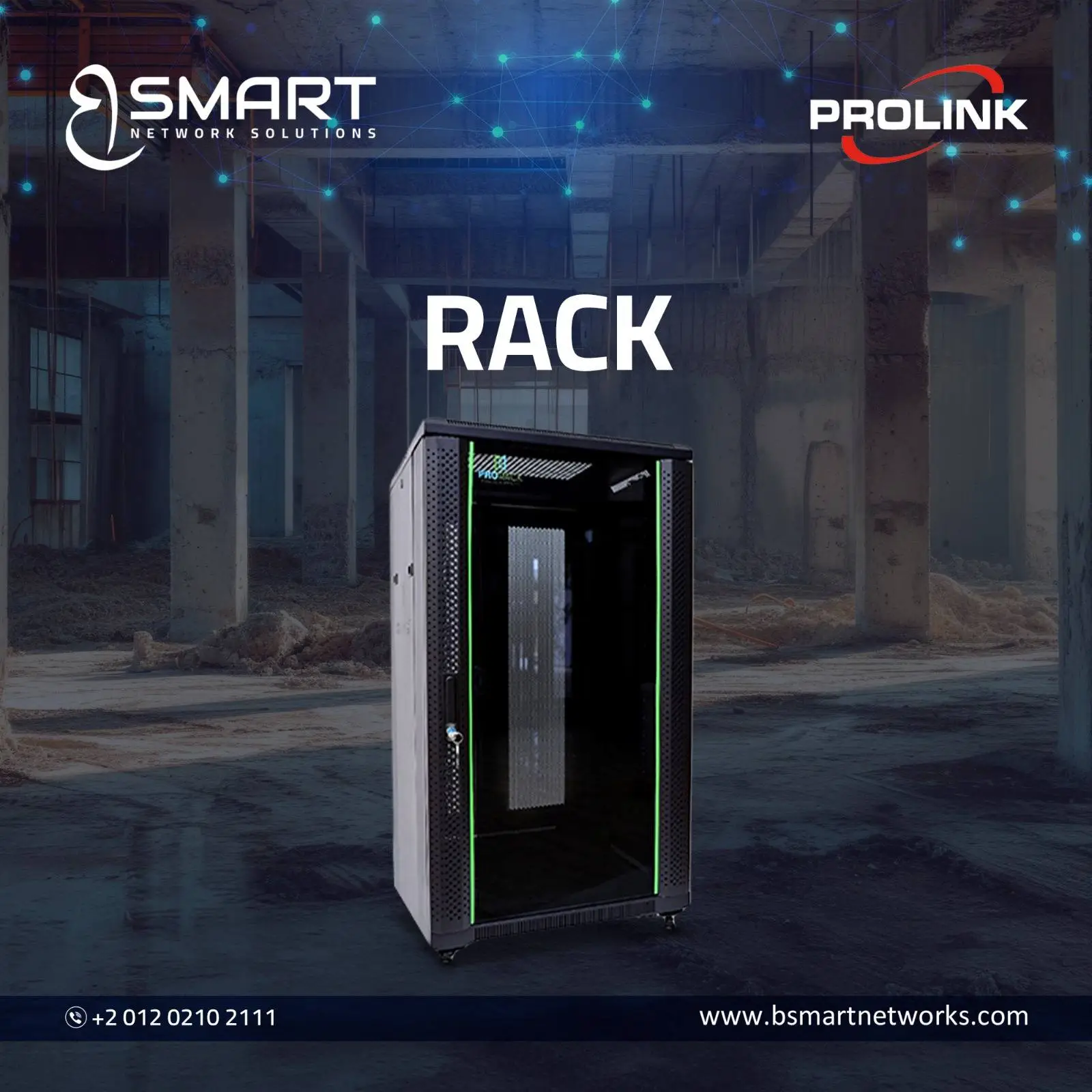
Standing Network Racks
Standing Server Racks
| Rack Size | Dimensions | Door Type | SKU |
|---|---|---|---|
| 27U | 600×1000 | Vented | PR-FV6127 |
42U Enterprise Server Racks
These racks are widely used in enterprise IT infrastructure because they provide enough space for servers, storage, and networking equipment.
What Are Outdoor Network Racks?
Outdoor network racks are rugged enclosures designed to protect networking equipment in external environments.
They are commonly used by:
- Internet service providers
- Telecom operators
- Industrial facilities
- Security system integrators
Outdoor cabinets usually feature:
Weather Protection
- IP55 or higher enclosure rating
- Sealed doors and cable entry points
Temperature Control
- Built-in fans or air conditioning units
- Heat exchangers for extreme climates
Security
- Reinforced steel construction
- Advanced locking systems
In hot regions like Egypt, outdoor cabinets often require active cooling to protect sensitive electronics.
ProRack Outdoor Wall Mount Cabinets
Indoor vs Outdoor Rack: Comparison Table
| Feature | Indoor Rack | Outdoor Rack |
|---|---|---|
| Installation Location | Server rooms, offices | Outdoor environments |
| Environmental Protection | Limited | Weatherproof and sealed |
| Cooling Method | Natural airflow or fans | Active cooling or heat exchangers |
| Cost | Lower | Higher |
| Maintenance | Easy access | More complex |
| Typical Use | Enterprise IT networks | Telecom and field infrastructure |
This comparison helps procurement teams quickly determine which cabinet type fits their deployment scenario.
When Should You Choose an Indoor Rack?
Indoor racks are the right choice when equipment is installed in a controlled environment.
Choose an indoor rack if:
- Your equipment is located inside a server room or office
- The room has air conditioning or controlled airflow
- You need easy access for maintenance
- Budget efficiency is a priority
Most businesses in Egypt rely on indoor racks for:
- Corporate networks
- CCTV control rooms
- IT server rooms
- Retail branches
Indoor racks also allow better airflow management, which helps extend equipment lifespan.
When Should You Choose an Outdoor Rack?
Outdoor racks are necessary when network equipment must operate outside buildings.
Choose an outdoor cabinet if:
- Equipment is installed in open environments
- The installation area experiences dust, rain, or heat exposure
- The site lacks indoor technical rooms
- Security protection is required for remote infrastructure
Typical use cases include:
- Telecom distribution cabinets
- Outdoor wireless networks
- Smart city equipment
- Industrial automation networks
Although outdoor racks cost more, they prevent equipment damage caused by environmental conditions.
A Practical Insight for the Egyptian Market

In Egypt, temperature and dust are major factors when designing network infrastructure.
Many companies install racks in non-dedicated rooms such as storage areas or electrical rooms. These spaces often lack proper ventilation.
This creates two common problems:
- Equipment overheating
- Dust buildup inside switches and servers
Choosing the right cabinet with proper airflow and filtered ventilation can significantly reduce maintenance issues.
Internal Networking Expert – Bsmart Networks
“Companies often underestimate the impact of rack quality on cooling efficiency. A well-designed rack with proper airflow can reduce server heat buildup and lower cooling costs over time. Investing in a quality cabinet early often saves money on hardware replacement and maintenance.”
Choosing the Right Rack for Your Business
When selecting a rack cabinet, IT managers should evaluate several key factors.
1. Rack Size (U Height)
The rack unit (U) defines how much equipment can be installed.
Examples:
- Small networks: 6U–12U
- Medium offices: 18U–27U
- Data centers: 42U
Always allow extra space for future expansion.
2. Cabinet Depth
Depth determines whether servers and large devices will fit.
Common depths include:
- 600 mm
- 800 mm
- 1000 mm
Servers usually require deeper cabinets than switches or patch panels.
3. Cooling and Airflow
Airflow is critical for equipment reliability.
Look for:
- Vented doors
- Fan modules
- Proper cable management
Poor airflow can shorten the lifespan of networking hardware.
4. Security
Enterprise racks should include:
- Lockable doors
- Side panel locks
- Secure cable entry points
This prevents unauthorized access to network infrastructure.
Why Businesses Choose Trusted Rack Suppliers
Rack cabinets are long-term infrastructure components. They often remain in service for 10 years or more.
Working with an experienced supplier ensures:
- Genuine hardware
- Warranty support
- Proper installation guidance
- Access to compatible accessories
With 15+ years of experience in enterprise networking infrastructure, Bsmart Networks helps Egyptian businesses select the right rack solution based on their environment, equipment type, and expansion plans.
Final Thoughts
Selecting the right rack cabinet is not just about size—it is about protecting critical IT infrastructure.
Understanding the differences between indoor and outdoor cabinets helps businesses avoid overheating, equipment damage, and unnecessary maintenance costs.
By evaluating installation location, cooling needs, rack size, and security requirements, IT managers can confidently choose the cabinet that fits their infrastructure strategy.
For most organizations, the decision between Indoor Racks vs Outdoor Racks: Which Network Cabinet Is Right for Your Business? ultimately comes down to environment. Indoor racks work best in controlled spaces, while outdoor cabinets are essential for harsh or exposed installations.
Choosing wisely ensures your network remains organized, protected, and ready for future growth.